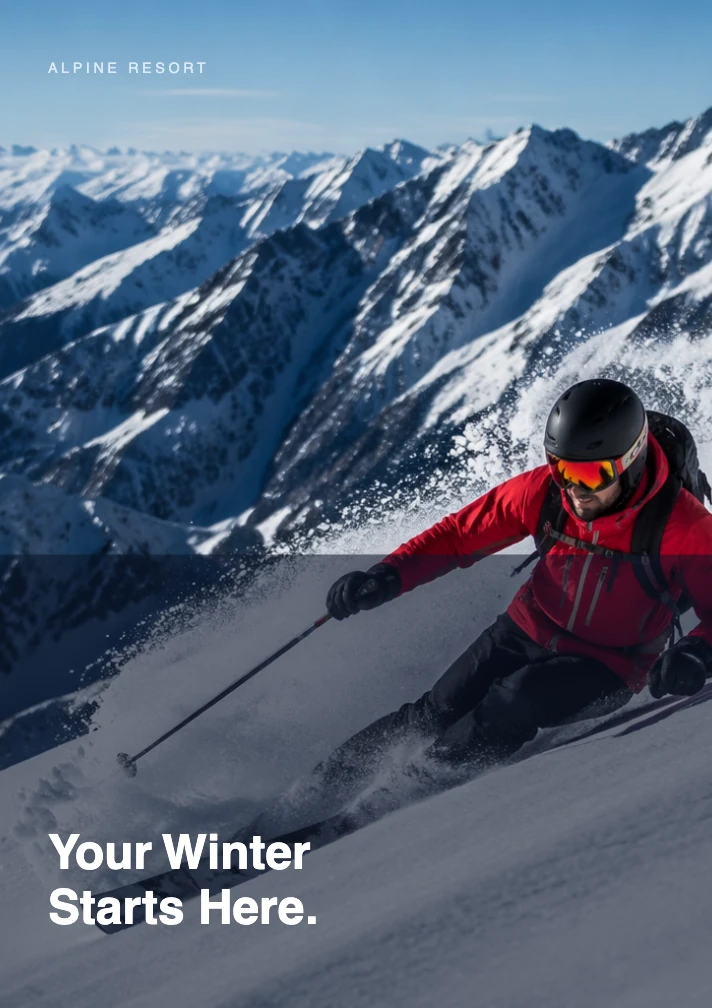
Alpine ski resort brochure
See how a premium ski-resort brief became an eight-page brochure direction with full-bleed winter photography, destination highlights, accommodation, dining, an itinerary, and a booking CTA.
View conversationTurn a product brief, service overview, event outline, or source document into structured brochure copy and a visual draft you can refine in Ottermind Studio.
Turn into a polished brochure for . Organize the strongest benefits, supporting details, and next step into a clear page or panel sequence. Propose concise copy, layout direction, and image ideas that fit the brand, and flag any facts that need confirmation.
These examples show the intended input and expected structure. Final design, facts, print specifications, and export options still need review in Studio.
See how a premium ski-resort brief became an eight-page brochure direction with full-bleed winter photography, destination highlights, accommodation, dining, an itinerary, and a booking CTA.
View conversation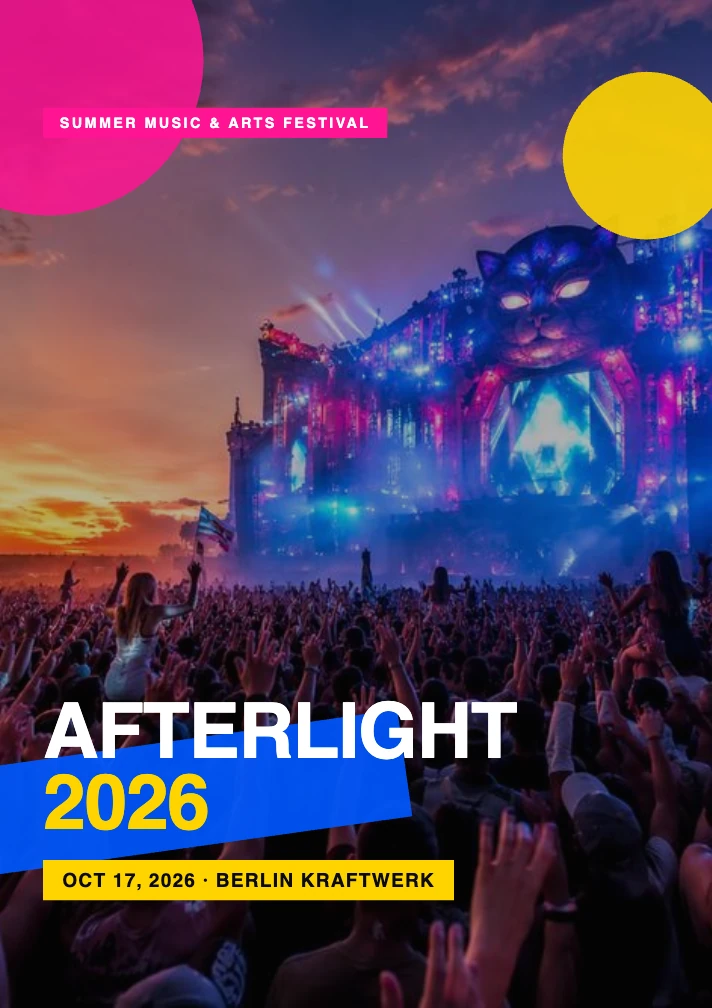
See an eight-page festival brochure direction built around energetic photography, bold typography, lineup information, art experiences, food, a venue map, a day plan, and a ticket CTA.
View conversationThe AI brochure maker keeps the audience, message hierarchy, visual direction, and review requirements in the same working context.
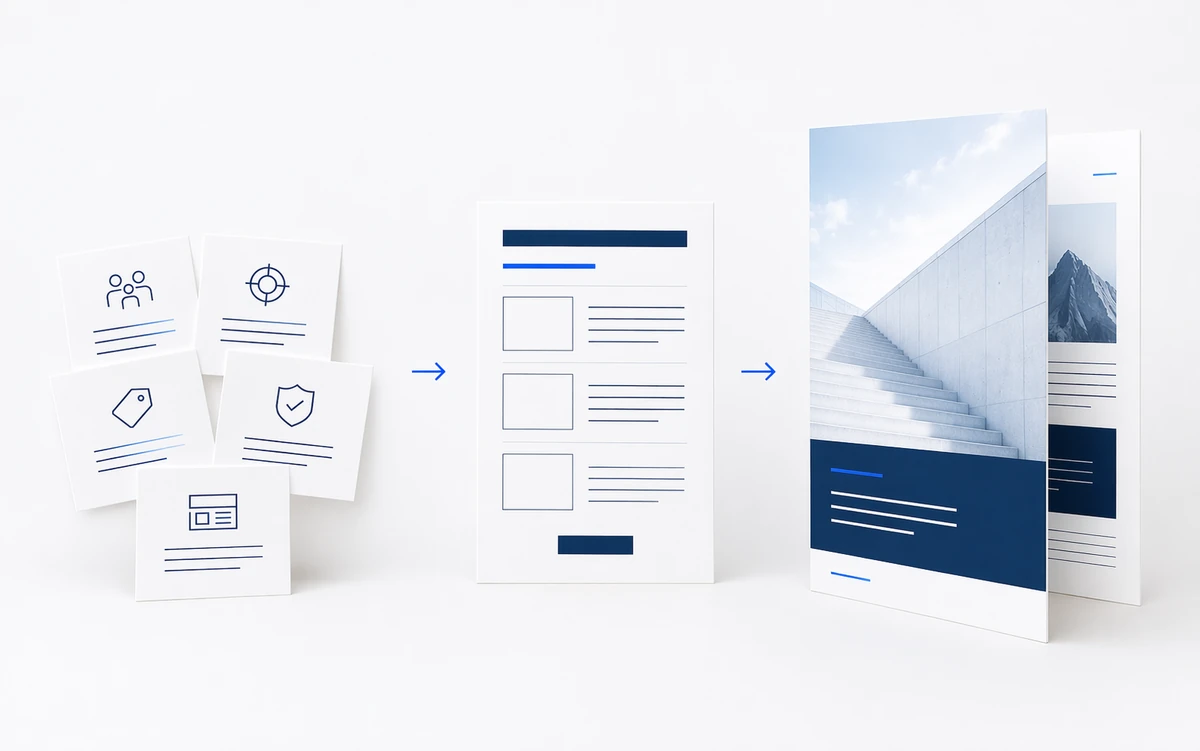
A blank template gives you boxes. Ottermind helps decide what belongs in them. Provide the audience, objective, offer, supporting details, and format, or attach source material in Studio when that option is available. The AI brochure generator can organize those inputs into a headline, section hierarchy, supporting copy, and calls to action.
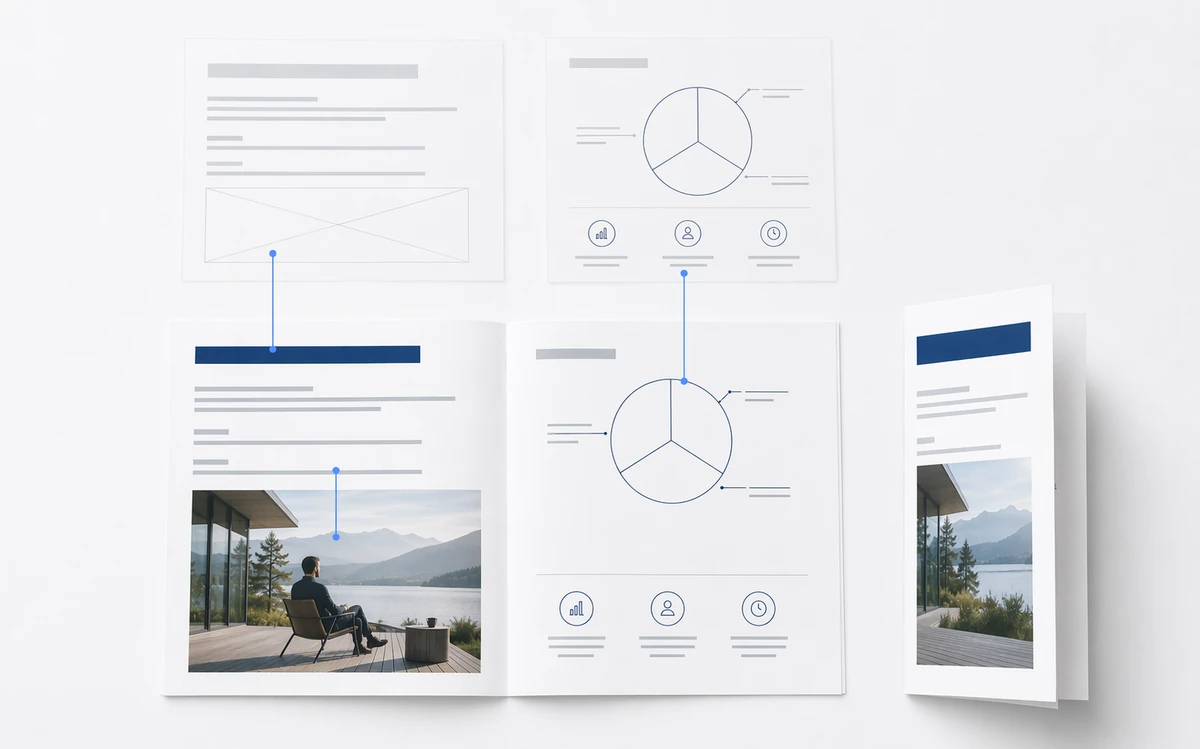
Brochure writing and design affect each other. Dense product copy may need another page; a tri-fold panel needs a sharper hierarchy. The AI brochure maker keeps the brief, copy, and visual direction in one conversation, so you can request a shorter cover, clearer feature sequence, or more space for a chart. When the brochure needs original visuals, use Ottermind's AI image generation tools to develop imagery that matches the audience, tone, and layout.
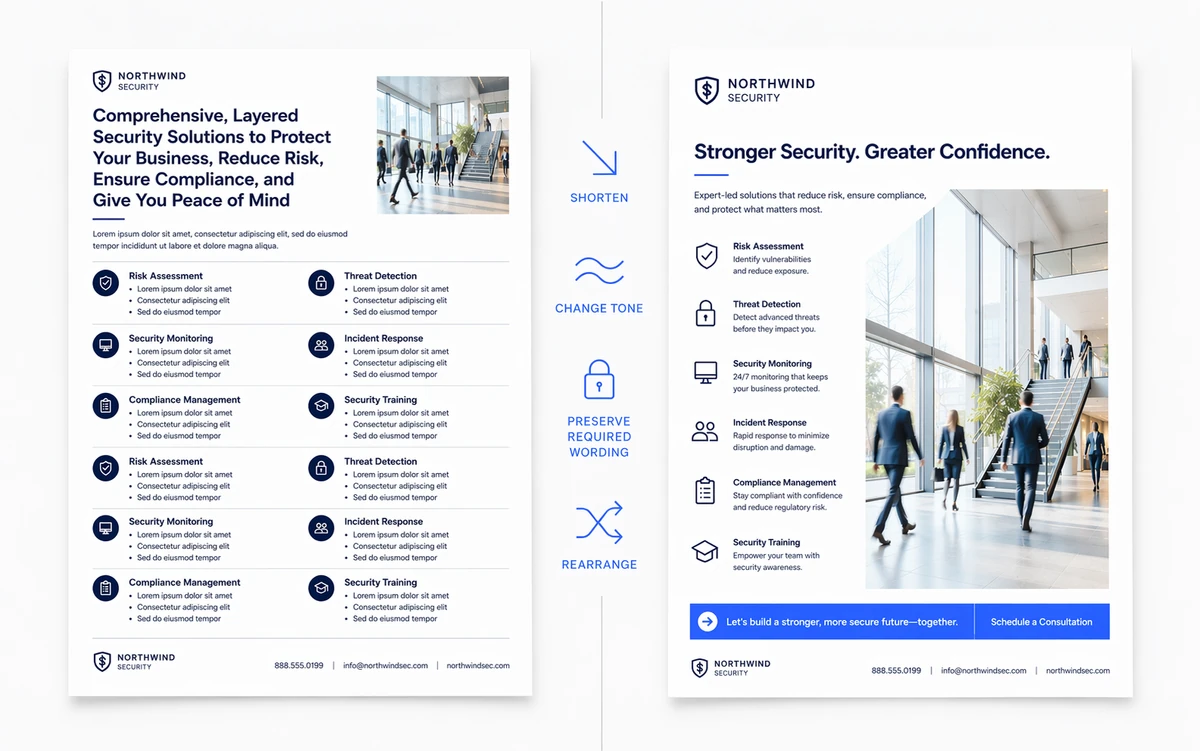
Ask the AI brochure creator to change the tone, adapt the message for another audience, reduce repetition, preserve required wording, or produce another direction. Identify what must stay, what can change, and what the reader should do next.
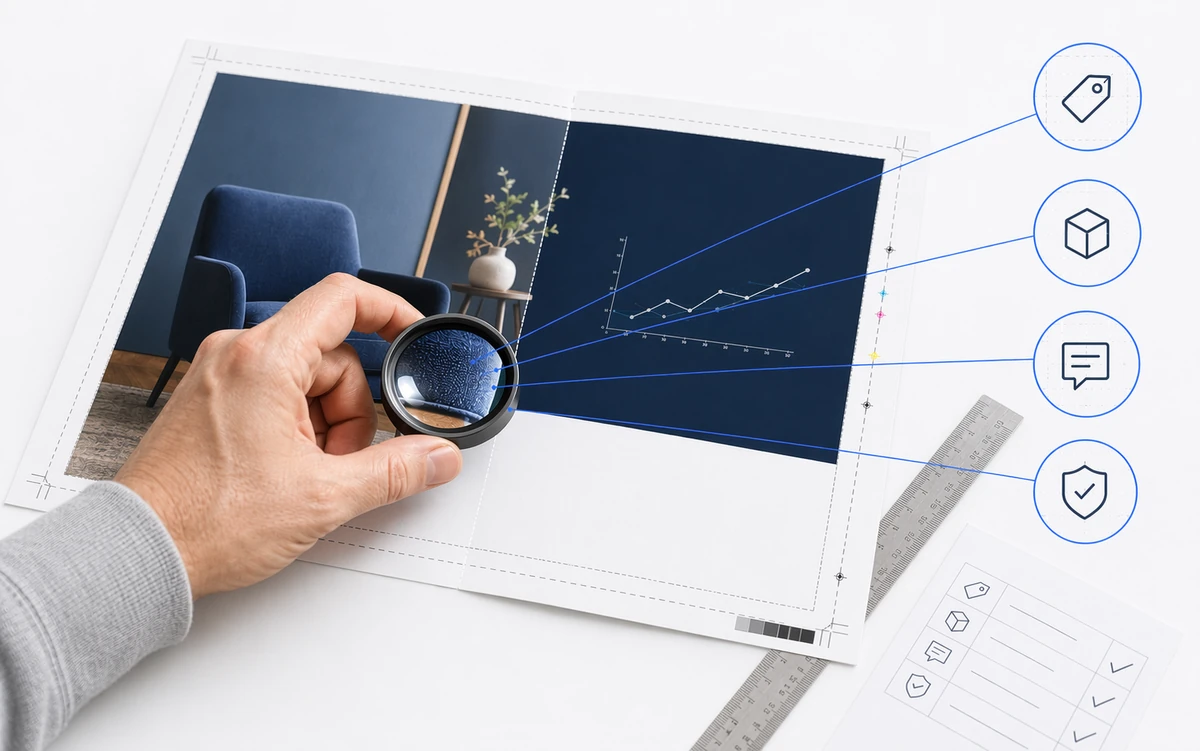
AI should not be the final authority for prices, specifications, legal language, testimonials, or performance claims. Confirm permission to use logos and images. Before printing, verify dimensions, folds, bleed, safe areas, resolution, color settings, and file requirements with your provider.
An online brochure maker can speed up layout work. Ottermind also helps move an unstructured brief toward an editable story while keeping the decisions behind the draft visible.
Shape the message around a real audience and decision, then verify the details that matter before distribution.
Turn a service list into a reader-focused explanation of problems, process, differentiators, and next steps for consultancies, local services, agencies, or sales teams.
Organize features, specifications, use cases, and proof points into a buyer-friendly sequence. Keep approved technical sources close for final verification.
Build a narrative around a property, destination, itinerary, or guest experience. Verify availability, pricing, policies, location details, and image rights.
Shape schedules, speaker information, venue guidance, sponsor details, and registration actions into a compact document. Recheck dates and logistics before release.
State who the brochure is for, what they should understand, and what action they should take. Add a format such as tri-fold, bi-fold, or multi-page, or describe the amount and priority of the content.
Include approved details, required wording, tone, and brand direction. Mark claims that must remain exact. Only include confidential material when organizational policy permits it.
Use the AI brochure maker to create a first direction, then inspect the copy order, visual emphasis, omissions, and calls to action. Continue in Studio with precise follow-up requests, then complete factual, brand, accessibility, rights, and production reviews.
What to expect when turning source material into a brochure draft with AI.
It is intended to turn a written brief or supplied source material into structured brochure copy and a visual draft that you can continue refining in Ottermind Studio. The exact result depends on the information, constraints, and format you provide.
Yes. Paste approved facts and copy into your brief, and clearly label required wording. If file attachments are available in your Studio session, you can add source material there. Always compare the draft with the original source before publishing.
You can request those structures and describe the content priority for each section or panel. The AI brochure maker from text can propose a hierarchy, but you should confirm panel order, dimensions, folds, and print specifications in the final production file.
Include brand colors, tone, typography direction, logo guidance, and required language in the brief. Asset upload availability can depend on the current Studio experience and account state. Confirm logo, font, and image rights before distribution.
This page does not promise a specific free allowance. Ottermind Studio shows the current sign-in, plan, and usage requirements before you continue the workflow.
Available download options are shown in Studio and may change with the product experience. Before printing, confirm the requested file type, page dimensions, bleed, safe area, color profile, image resolution, and fold sequence with your provider.
The tool can organize the information you provide, but it can still omit, simplify, or misstate details. A qualified reviewer should verify names, dates, prices, specifications, claims, citations, legal wording, and contact information before sharing the brochure.
Give Ottermind the audience, objective, source facts, and format. Get a structured direction you can inspect, revise, and carry forward in Studio.