AI Lip Sync Tool

Create a speaking-video concept from a portrait and script. Add a natural AI voice, review the performance, and refine the direction in Ottermind.

Energy Ad
Skincare UGC
Product Showcase
Perfume Film
Beauty UGC
Skincare Story
Mango Campaign
Lipstick Ad
Sportswear Ad
Claude
GitHub
Google
Linear
Microsoft
Monday
Netlify
Notion
OpenAI
Sentry
Slack
Stripe
Supabase
Claude
GitHub
Google
Linear
Microsoft
Monday
Netlify
Notion
OpenAI
Sentry
Slack
Stripe
Supabase

Create speaking videos from portraits and scripts

An AI lip sync tool aims to align visible speech with audio. Ottermind supports a safer adjacent workflow: use a portrait as visual direction, provide a written script, generate a natural AI voice and new speaking-video concept, then inspect the result carefully instead of assuming frame-accurate matching. Define the audience, delivery style, and destination before comparing facial motion, timing, and message accuracy.

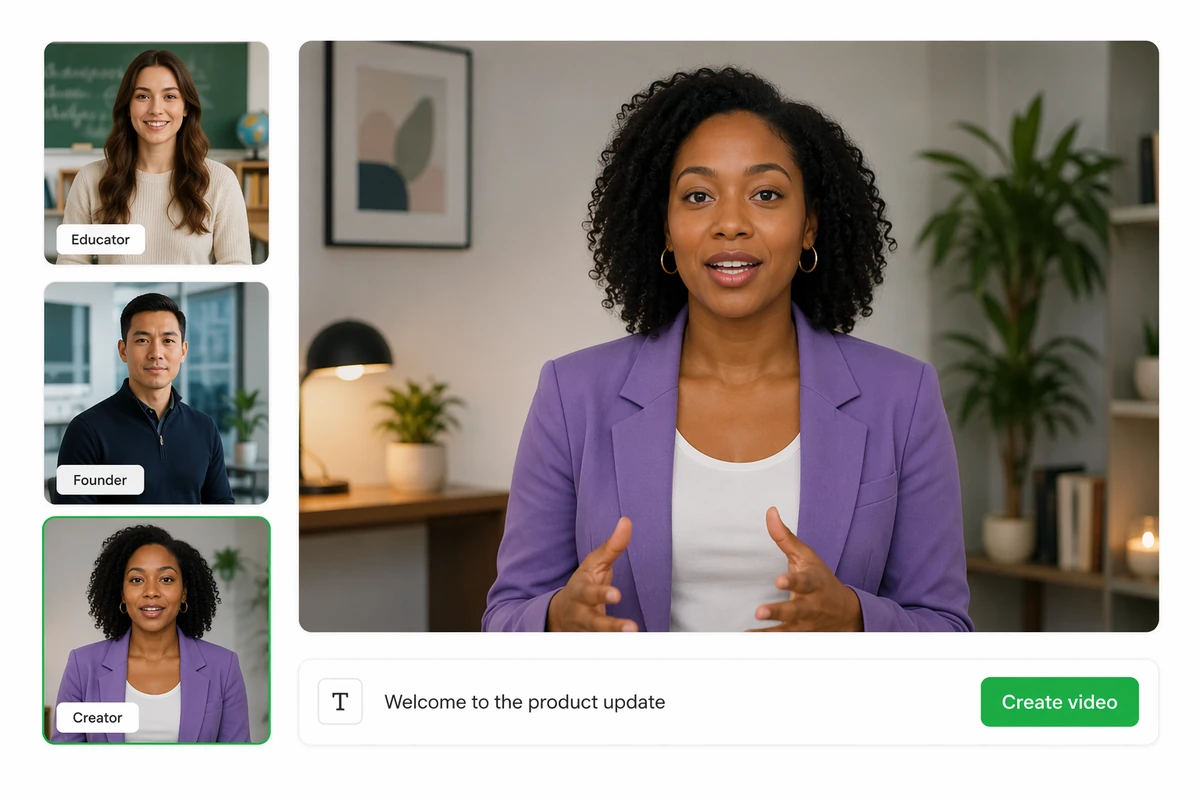
A selected reference portrait guiding a new presenter-style video

Start with a reference portrait

Upload a portrait to guide the subject and visual direction, then ask Ottermind to create a new speaking-video concept around your script. If you only need to animate a still, use Image to Video instead. Treat every result as an original generation.

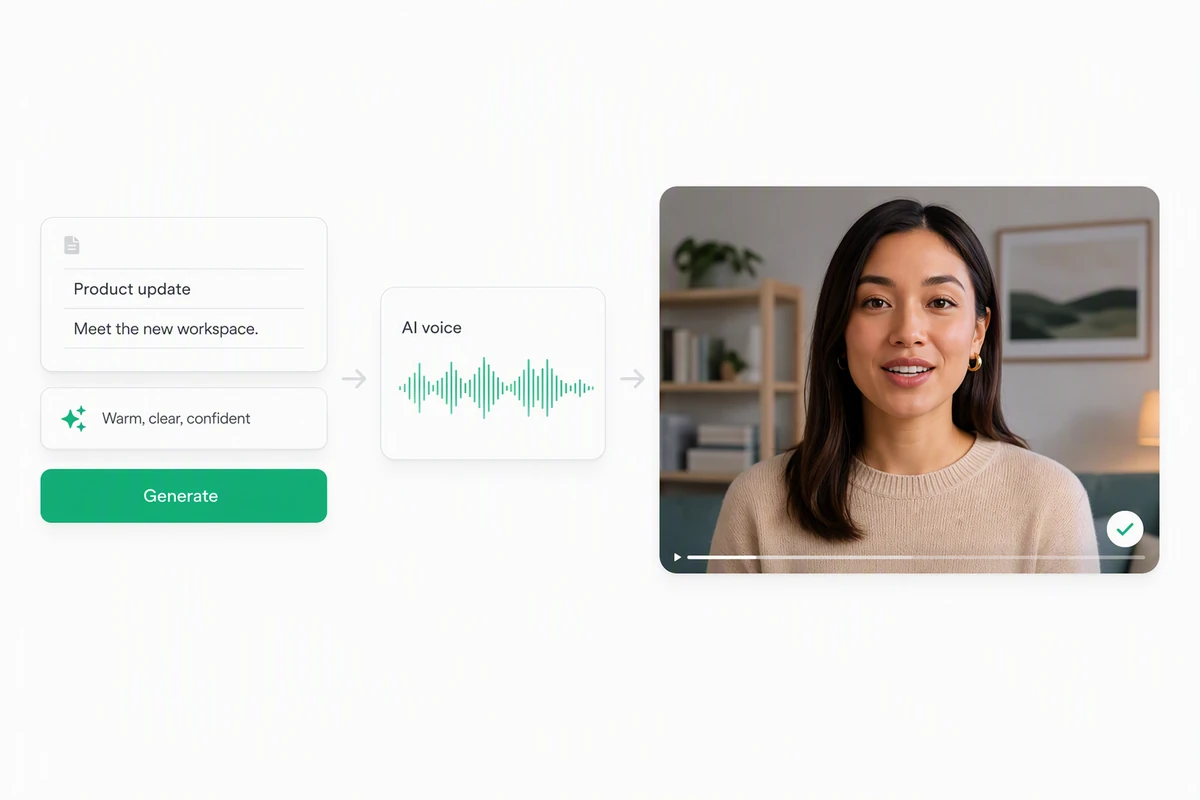
A written script and delivery note becoming an AI voice and speaking video

Turn a script into voice and video

Give the Agent your message, audience, and delivery direction. Ottermind can create a natural AI voice and a finished speaking-video concept. When the explanation depends on product screens, use AI Video Demo to build the walkthrough around those visuals.

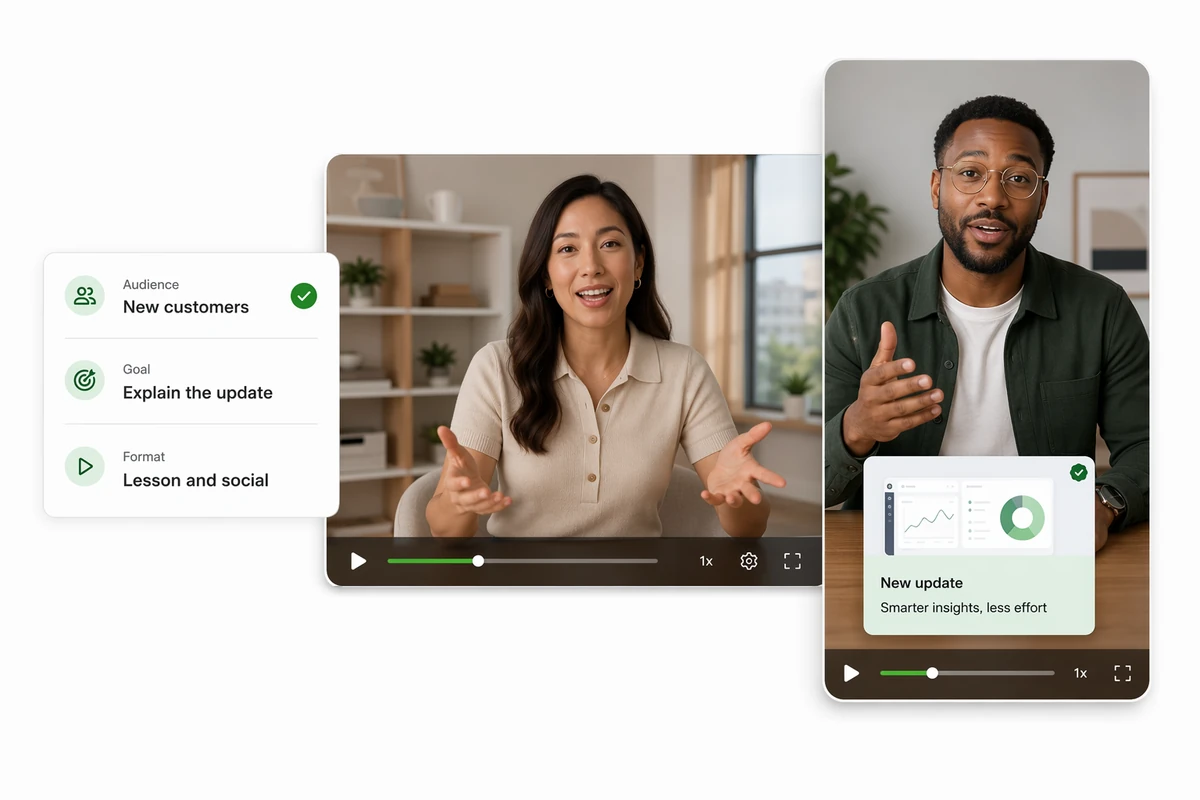
Landscape lesson and vertical campaign speaking-video concepts

Build speaking content for real work

Create presenter-style videos for product updates, lessons, campaign clips, and social posts, shaped around the audience and goal you describe. Generate the right framing for the destination, then verify performance and message quality.

How to create a speaking-video concept

Step 01

Add the portrait and script

Upload a portrait you can use, paste the written message, and explain the audience, setting, delivery, framing, and visual qualities that should guide the new result.

Step 02

Generate voice and video

Ask Ottermind to create a natural AI voice and a presenter-style video. Keep the first request focused on the message and performance you actually need.

Step 03

Inspect every take

Review speech-to-mouth alignment, facial motion, identity changes, pacing, and message accuracy. Request a new take when the generated performance does not meet the brief.

Why creators choose Ottermind

Text-led workflow

Start from a written script and delivery direction without relying on uploaded audio analysis.

Portrait as reference

Use a portrait to guide subject and visual direction for a new generated speaking video.

Natural AI voice

Generate a voice from the script and creative direction without claiming to clone a real speaker.

Purpose-built formats

Shape a lesson or update for its audience, or build a short social concept with AI Reel Maker.

Visible review loop

Compare the generated performance with the script and request a new take when alignment needs work.

Continue in Studio

Keep the portrait, script, decisions, and feedback connected while the video develops in Studio.

FAQ

What does an AI lip sync tool do?

A lip sync tool attempts to coordinate visible mouth movement with spoken audio. Ottermind creates a new concept from a portrait, script, and AI voice. For a broader prompt-led workflow, start with AI video generator. Review every result for alignment and visual quality.

Does Ottermind guarantee frame-accurate lip sync?

No. The available product information does not establish guaranteed frame-accurate mouth matching. Inspect every generated take for speech-to-mouth alignment, facial motion, unintended visual changes, and overall message accuracy before using it publicly.

Can I upload a portrait as a reference?

Yes. A portrait can guide the subject and visual direction for a new video. Use an image you have permission to use, explain which qualities matter, and do not expect exact identity, expression, or action replication.

Can Ottermind create the voice from my script?

Yes. Ottermind can generate a natural AI voice from written text and creative direction. Voice cloning and uploaded-audio analysis are not established for this workflow, so avoid claims that the result reproduces a real person's voice.

Can I dub or translate an existing video?

Existing-video analysis, dubbing, and automatic translation are not established for this workflow. Start from the script and visual reference to generate a new version, and handle verified translation or localization requirements separately.

How can I use speaking videos responsibly?

Get permission for any identifiable person's image, avoid deceptive impersonation, disclose synthetic media when required, and review the final voice, facial motion, claims, and context. Follow the destination's current policies and applicable law.

Discover more

What video creators say about Ottermind

We moved from a loose campaign idea to a video direction the whole team could discuss. The script, visual references, pacing notes, and revisions stayed connected, so every review made the sequence more specific instead of sending us back to a blank brief.

Avery Morgan - Video Marketing Lead

More from the blog

Turn your script into a speaking-video concept

Bring a permitted portrait, written message, and delivery direction. Generate voice and video together, inspect the performance carefully, and refine the strongest take in Studio.

Create a video