AI Social Media Post Generator

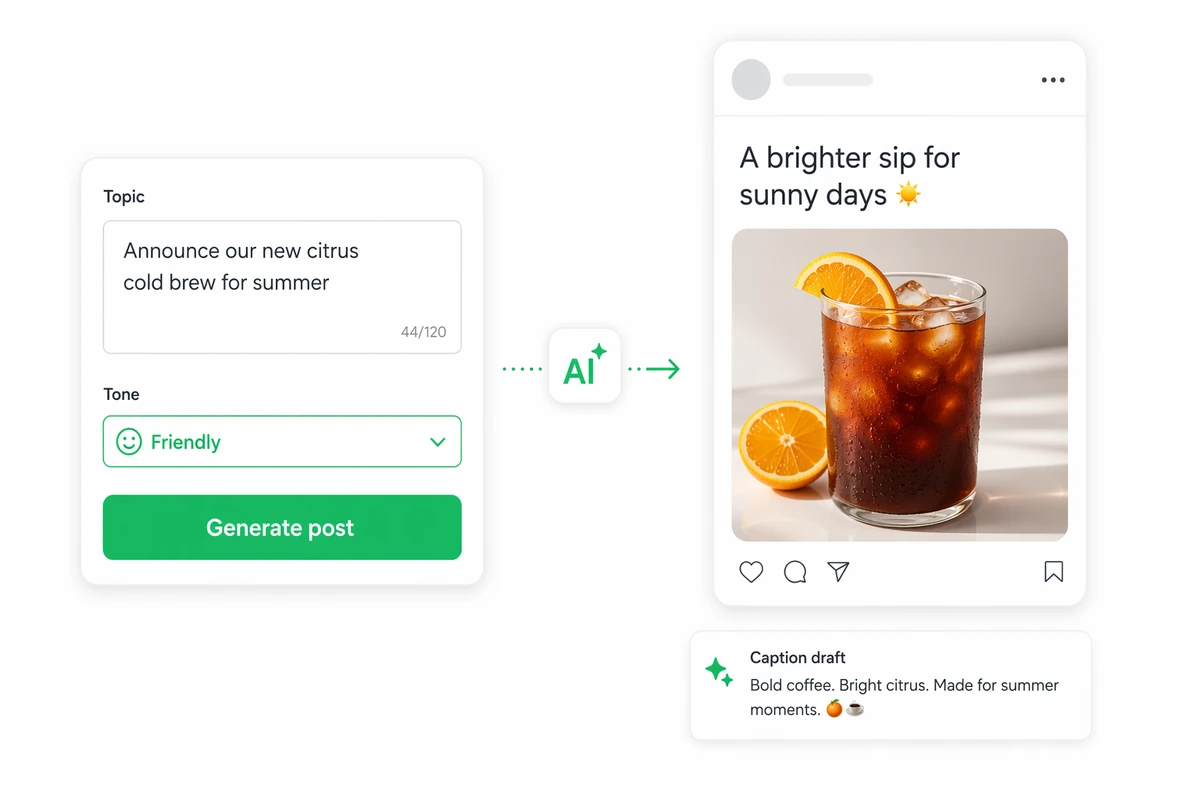
Turn ideas and campaign context into social media post drafts with collaborating AI agents, then inspect and refine every result before use.

Ottermind workspace showing an AI-assisted social media post draft ready for review
Claude
GitHub
Google
Linear
Microsoft
Monday
Netlify
Notion
OpenAI
Sentry
Slack
Stripe
Supabase
Claude
GitHub
Google
Linear
Microsoft
Monday
Netlify
Notion
OpenAI
Sentry
Slack
Stripe
Supabase

Create Social Posts With More Context

Bring your campaign thoughts, files, decisions, preferences, and feedback into Ottermind. Collaborating agents can use that organized project context to develop polished social content across multiple steps. You can inspect and refine the resulting draft, while critical actions remain subject to your approval.

Caption editor, visual style options, and a finished indoor plant social post preview

Plan the Caption and Visual Together

Keep the campaign brief, source files, visual direction, and feedback together while developing the caption and an image from the AI image generator. Comparing both parts against retained context helps you review whether they communicate one campaign idea.

A refillable candle campaign adapted into professional, visual, and short-hook social posts

Adapt One Brief for Different Contexts

Collaborating agents can divide a multi-step campaign into connected content tasks, then consolidate the work. Use one approved brief to develop a professional update, visual caption, and short hook while preserving the core message and adjusting tone or emphasis.

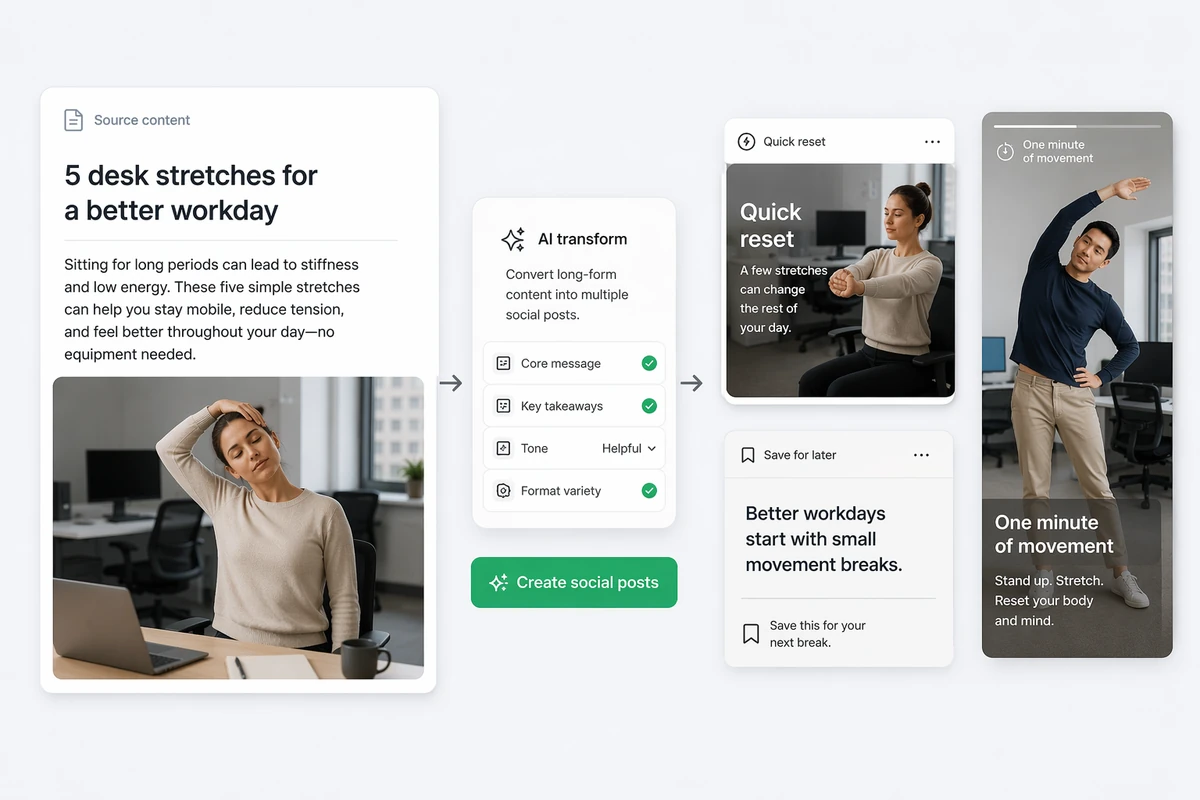
A desk-stretch article transformed into three concise workplace wellness social posts

Repurpose Source Content Carefully

Select distinct takeaways from a useful article and develop each into a concise social draft. Because agent work remains visible, you can compare every result with the source, request refinements, and approve what is used after checking accuracy and campaign fit.

Create a Social Media Post in Three Steps

Step 01

Add Relevant Context

Bring the idea, campaign files, audience context, desired message, preferred style, and useful prior feedback into the project. Identify the outcome you want from the post.

Step 02

Direct the Agents

Ask collaborating agents to develop the social content. Explain the purpose, important points, constraints, and intended audience so they can carry the assignment through connected steps.

Step 03

Inspect and Refine

Review the resulting draft for accuracy, tone, clarity, and suitability. Give specific feedback, request revisions where needed, and approve any critical action only when the work is ready.

Why creators choose Ottermind

Persistent Campaign Context

Project files, decisions, preferences, and feedback can inform later content requests within the same campaign.

Adaptive Collaboration

Feedback and a consistent prompt structure can teach Ottermind your preferred formats, style, and recurring context.

Coordinated Agent Work

Specialized agents can divide complex assignments, work in parallel, and consolidate their contributions into one result.

Multi-Tool Execution

Agents can coordinate documents and connected services, then extend campaign ideas into AI video workflows.

Cross-Device Continuity

Start work on your phone, continue on desktop, and let longer agent tasks run in the cloud.

Visible Approval Boundaries

You can inspect agent work as it develops, while critical actions remain subject to your explicit approval.

FAQ

What context should I provide for a useful post?

Provide the post’s purpose, audience, core message, campaign materials, style, constraints, and relevant feedback. Our marketing AI tools guide can help frame the wider workflow. Ottermind can carry thoughts and files within a project; describe any workflow-specific inputs you need.

Can Ottermind use files, preferences, and earlier feedback?

Yes. Ottermind retains project files, decisions, history, preferences, recurring patterns, and feedback so they can inform later tasks. You control what is connected, remembered, and used, helping ongoing social content draw on relevant campaign context.

How does Ottermind differ from a standard caption generator?

Ottermind goes beyond a one-prompt caption interface. Project memory, collaborating agents, tool operation, and multi-step execution can support social content within a continuing campaign rather than an isolated generation task. See our marketing AI tools guide for related workflows.

Which social platforms and post formats are supported?

Describe the intended social platform and post format in your request, then inspect the result. Platform-specific presets and optimization are not confirmed for this workflow, so check the output against the destination’s current requirements before publishing.

Can Ottermind publish or schedule a generated post?

Direct social publishing and scheduling are not confirmed for this workflow. Ottermind can help develop polished social content, but verify any required network connection or publishing step separately before relying on it for campaign operations.

Can I review and approve the agents’ work?

Yes. Agent work remains visible, allowing you to inspect and refine the draft. Critical actions require user approval. You also control what agents can connect to, remember, and use across local files, cloud tasks, connected tools, and project memory.

Discover more

What they say about Ottermind

Ottermind helped us turn a rough campaign brief into several strong visual directions without losing the original intent. We could compare different compositions, keep the references beside the work, and refine the strongest concept in one place. That made the entire review process feel faster and much more focused.

Maya Chen - Product Marketing Lead

More from the blog

Develop Your Next Social Post

Bring your campaign idea, files, preferences, and feedback into Ottermind. Let collaborating agents develop the content, then inspect and refine the draft until it fits your message.

Explore Ottermind