AI Reel Maker

Generate Instagram Reels from text and images with a 7-day free trial, 100 signup credits, 30 daily credits, and watermark-free downloads.

Energy Ad
Skincare UGC
Product Showcase
Perfume Film
Beauty UGC
Skincare Story
Mango Campaign
Lipstick Ad
Sportswear Ad
Claude
GitHub
Google
Linear
Microsoft
Monday
Netlify
Notion
OpenAI
Sentry
Slack
Stripe
Supabase
Claude
GitHub
Google
Linear
Microsoft
Monday
Netlify
Notion
OpenAI
Sentry
Slack
Stripe
Supabase

Generate free AI reels from text and images

An AI reel maker turns a written creative direction and optional image references into a short-form video. New accounts receive a 7-day free trial and 100 credits after signup, followed by 30 free credits every day. Downloads do not carry an Ottermind watermark. Define the message, audience, format, visual mood, and pace in one request, then review and refine the result before publishing.

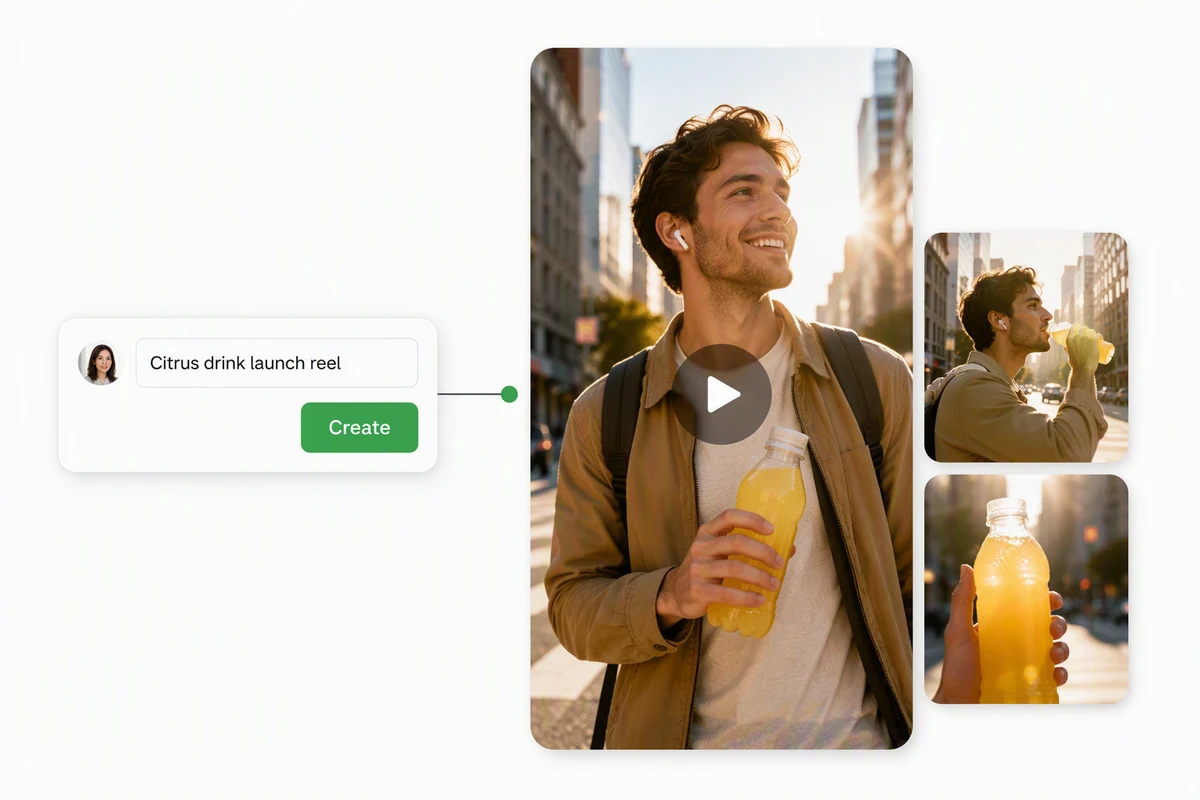
A concise campaign brief becoming a polished vertical product reel

Turn a prompt into a scroll-stopping reel

Describe the story, audience, and visual direction viewers should notice first. Ottermind develops the brief into an original vertical video. When one still should lead the sequence, create its motion with Image to Video and use that result in the reel brief.
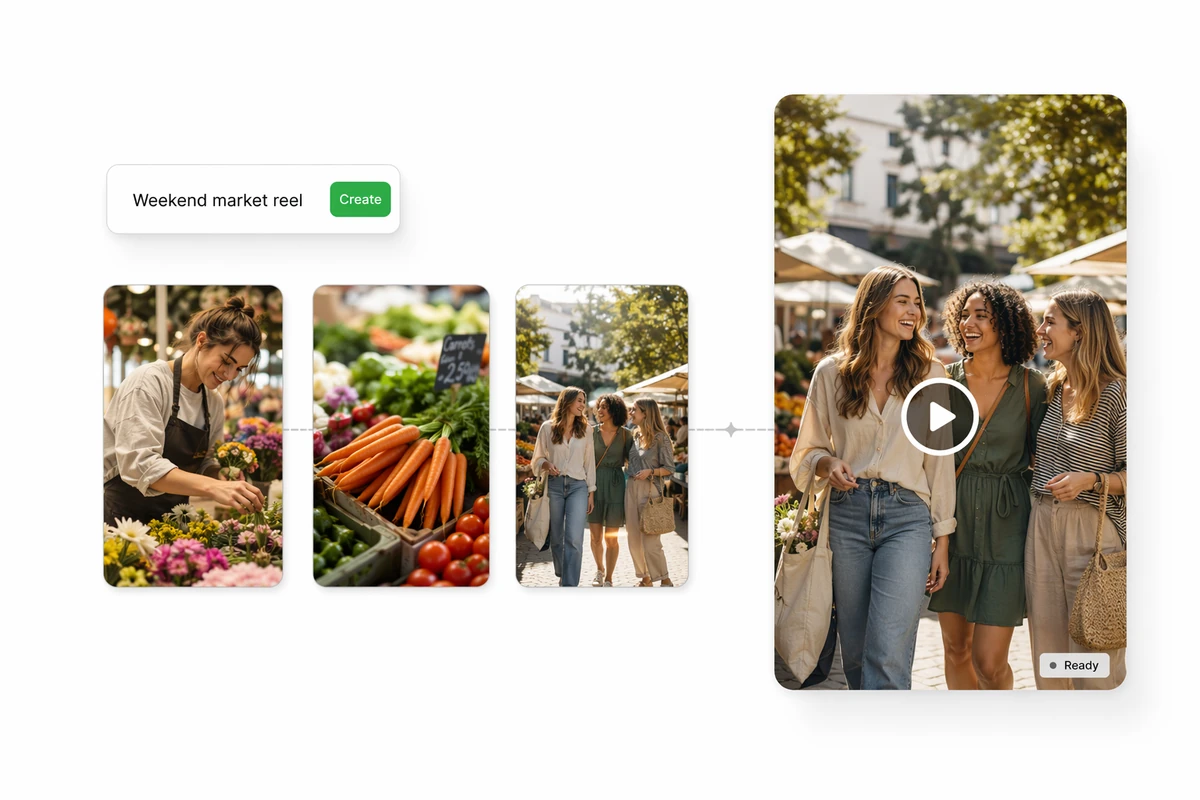
A timely content brief flowing through original scenes into a vertical reel

Create timely reels while the moment is fresh

Give Ottermind a current angle, a clear audience, and the outcome the reel should support. The Agent develops that direction into a focused short-form video without requiring a complex production plan or manual timeline.

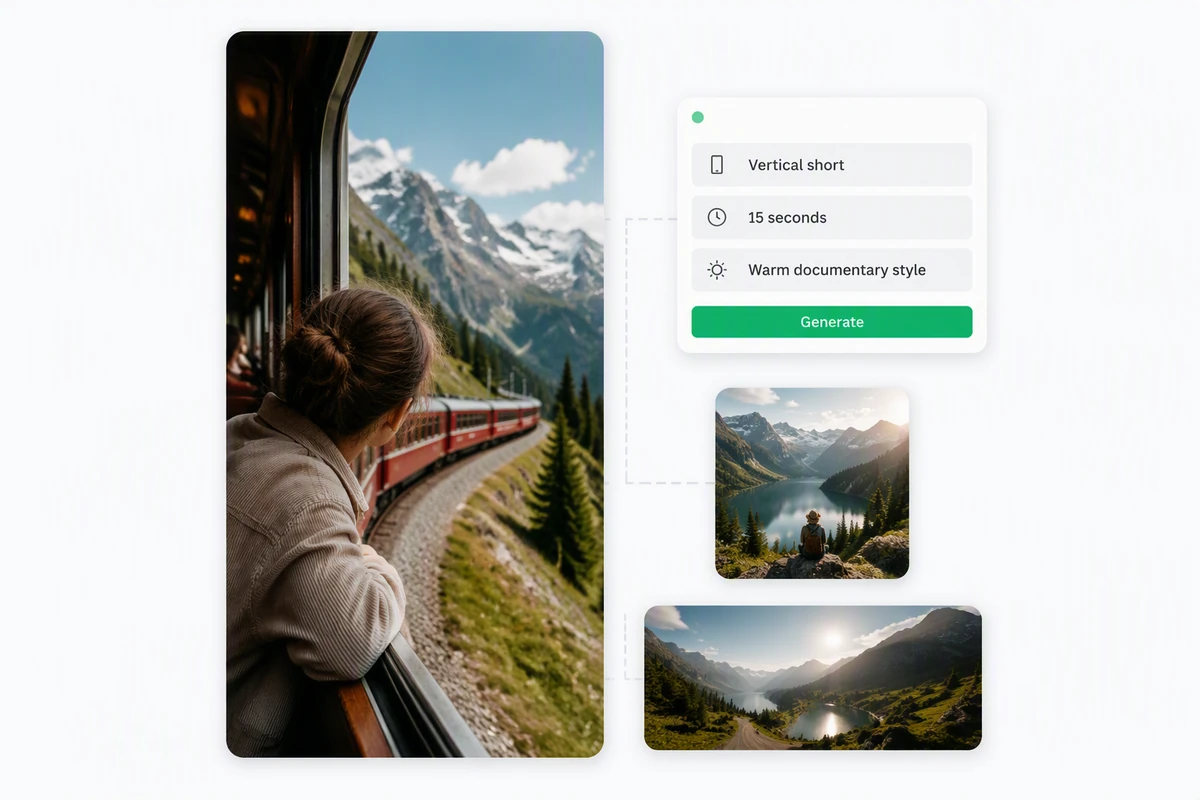
One creative brief producing vertical, square, and widescreen reel concepts

Create reels shaped for every channel

Tell Ottermind where the reel will run, who it should reach, and what it needs to achieve. For broader scene development before channel-specific cuts, start with the AI video generator, then request the vertical, square, or widescreen version the campaign needs.

How to generate free AI reels from text

Step 01

Define the reel

Describe the message, audience, destination, length, and visual mood. Add any product, campaign, or story details the Agent should preserve throughout the video.

Step 02

Generate a first take

Ask Ottermind to create the short-form video. Review the opening moment, scene progression, pace, visual clarity, and fit for the intended screen.

Step 03

Refine the direction

Request specific changes to the story, framing, mood, or pace. Compare the new take with the brief before choosing a version to continue in Studio.

Why creators choose Ottermind

Brief-led creation

Start with the message, audience, and goal instead of assembling a reel from an empty timeline.

Reference-aware direction

Add an image when a product, subject, palette, or visual mood is easier to show than describe.

Focused revisions

Ask for a different opening, pace, framing, or mood while keeping the original project context nearby.

Format-aware prompts

Name the destination and screen shape so the generated video is planned around its intended use.

Connected campaign work

Develop the reel beside supporting images and an AI Story Generator in the same project.

Continue in Studio

Move the strongest direction into Studio and keep refining it without rebuilding the brief from scratch.

FAQ

Is this AI reel maker free?

Yes. Basic use is 100% free. New accounts receive a 7-day free trial and 100 credits after signup, followed by 30 free credits every day. Credit use depends on the generation you request, and downloaded results do not carry an Ottermind watermark.

What is an AI reel maker?

An AI reel maker uses a written or visual brief to generate a short-form video. You define the story, audience, format, and creative direction, then review the result for accuracy, quality, and platform fit before publishing.

Can I generate reels from text?

Yes. Enter a script, idea, or creative brief and describe the audience, length, format, opening, and visual direction. You can also add an image reference, then review and refine the generated reel before continuing in Studio.

What makes this the best free AI reels generator?

Ottermind combines text-led reel creation, image references, format-aware prompts, focused revisions, 100 signup credits, 30 daily credits, and watermark-free downloads. Results still depend on the brief and requested generation, so review accuracy, quality, and platform fit before publishing.

Can I use an image as a visual reference?

Yes. A reference image can guide the subject, product, palette, setting, or overall visual direction. If you need an original source visual first, create one with AI image generation. Describe which qualities matter and expect an original result rather than an exact copy.

What should I check before publishing an AI reel?

Review the message, visual continuity, factual claims, product details, rights to any references, and suitability for the intended audience. Also confirm the destination's current format, disclosure, music, and accessibility requirements before scheduling the final post.

Discover more

What video creators say about Ottermind

We moved from a loose campaign idea to a video direction the whole team could discuss. The script, visual references, pacing notes, and revisions stayed connected, so every review made the sequence more specific instead of sending us back to a blank brief.

Avery Morgan - Video Marketing Lead

More from the blog

Create an Instagram reel for free

Bring your text, image references, audience, format, and visual direction. Use your free credits to generate, refine, and download a reel without an Ottermind watermark.

Create a free reel