






Mugshot Maker

Bring a portrait and a playful brief into Studio, then create a clearly fictional mugshot-style image with your chosen mood, backdrop, and caption.

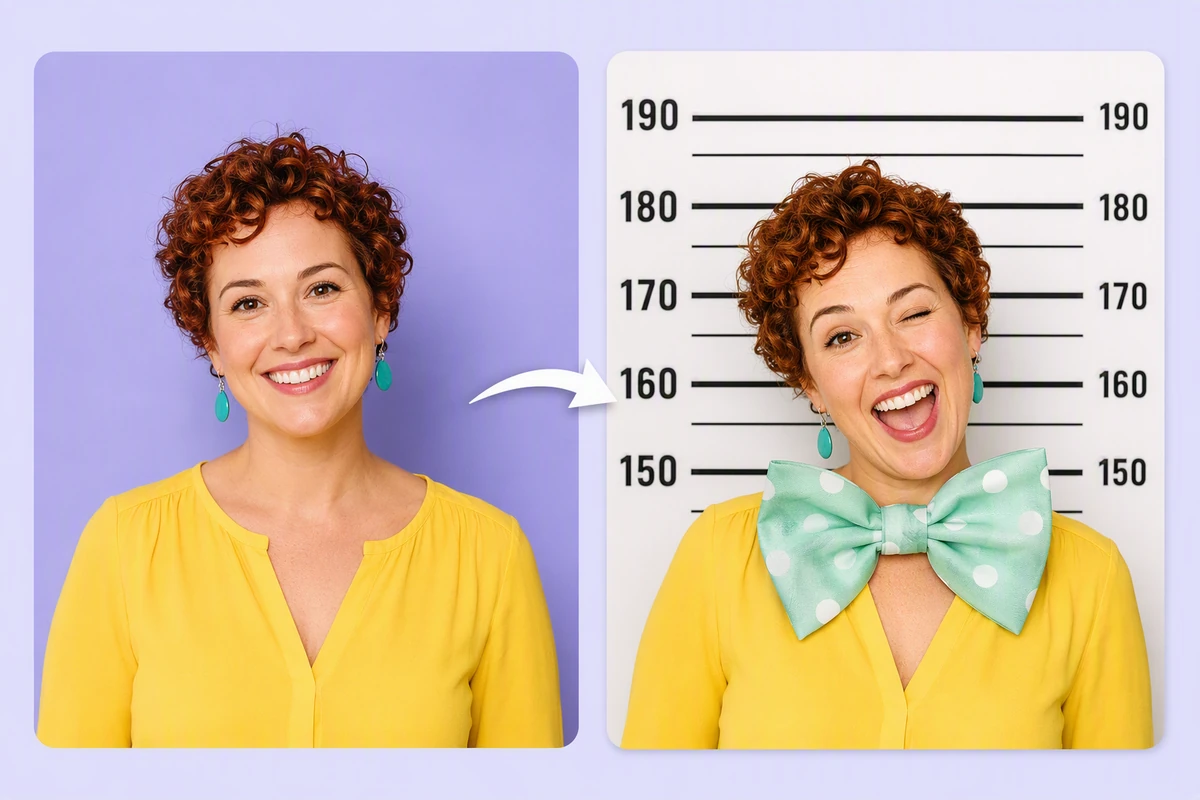
Before-and-after portraits of a smiling woman, with the playful result set against a numbered height chart.
Claude
GitHub
Google
Linear
Microsoft
Monday
Netlify
Notion
OpenAI
Sentry
Slack
Stripe
Supabase
Claude
GitHub
Google
Linear
Microsoft
Monday
Netlify
Notion
OpenAI
Sentry
Slack
Stripe
Supabase

Make the Joke Obvious at First Glance

A Mugshot Maker turns a portrait into a staged, booking-photo-inspired visual for a joke, invitation, character, or creative post. Use exaggerated color, an absurd caption, and numbered height marks so nobody mistakes it for a real record. For a different transformation, explore Image Effects.

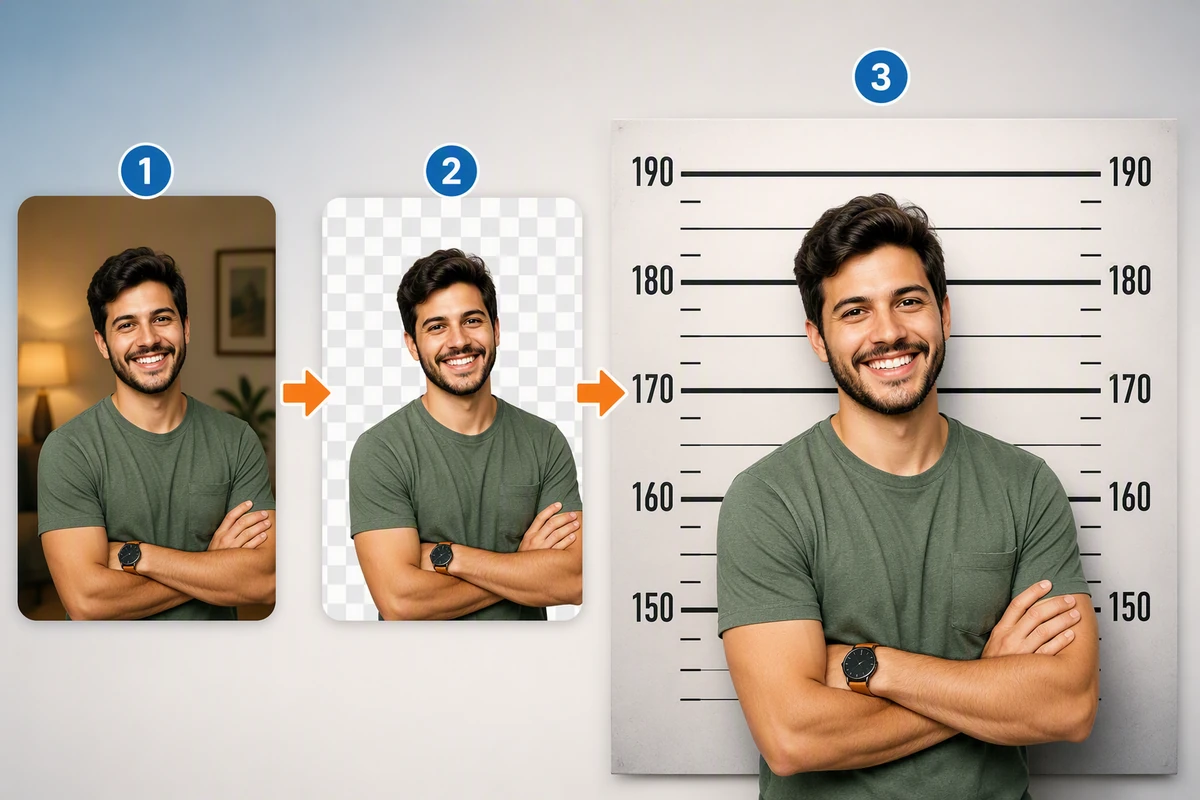
Three-step portrait workflow showing a man cut out from a room and placed on a numbered height-chart wall.

Replace the Background Deliberately

Start with a clear portrait, separate the subject from distracting scenery, and request a prison-style wall with numbered height marks but no real agency branding. Describe the pose and lighting. For a fully invented subject, use AI image generation instead of a real person's photo.
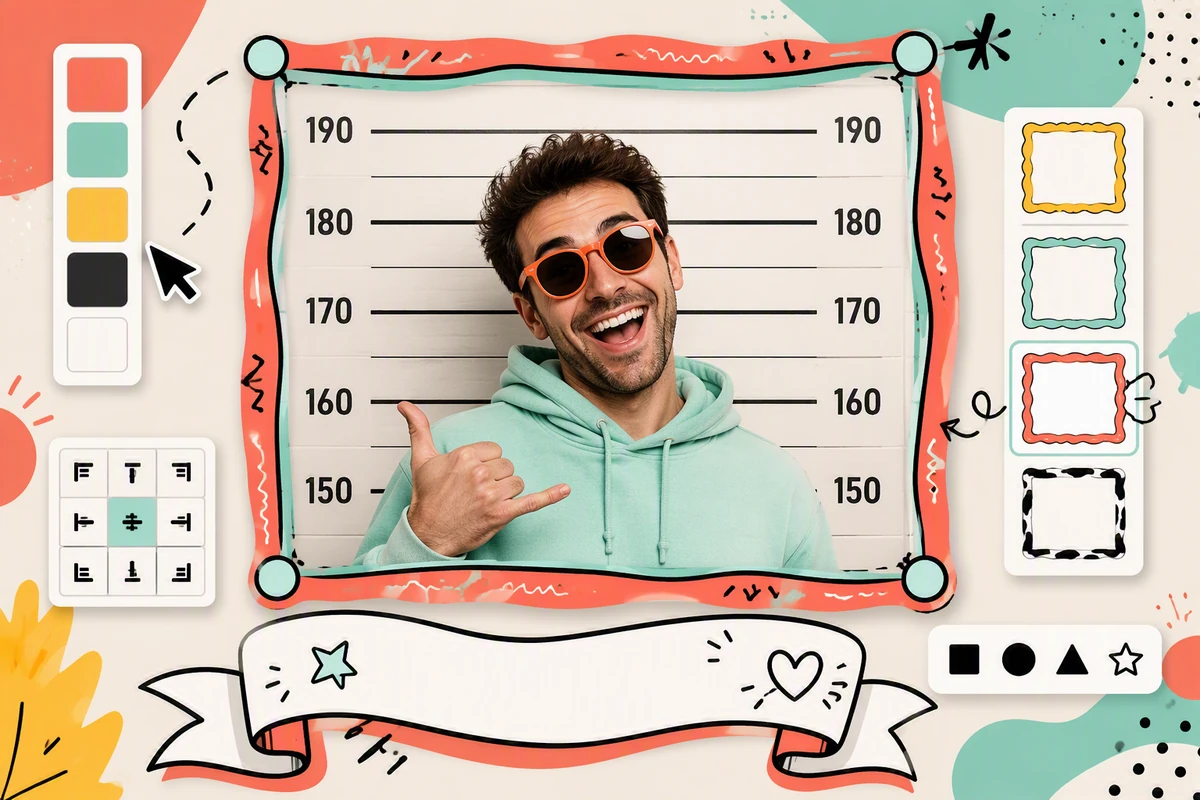
Playful portrait editor with color and frame controls around a smiling man on a numbered height chart.

Direct the Layout and Caption

Tell the mugshot maker which colors, frame, crop, and comic caption should carry the joke. Keep text short and visibly absurd, then inspect spelling and face details before reuse. Arrange several fictional mugshot variations with the Free Online Photo Collage Maker.

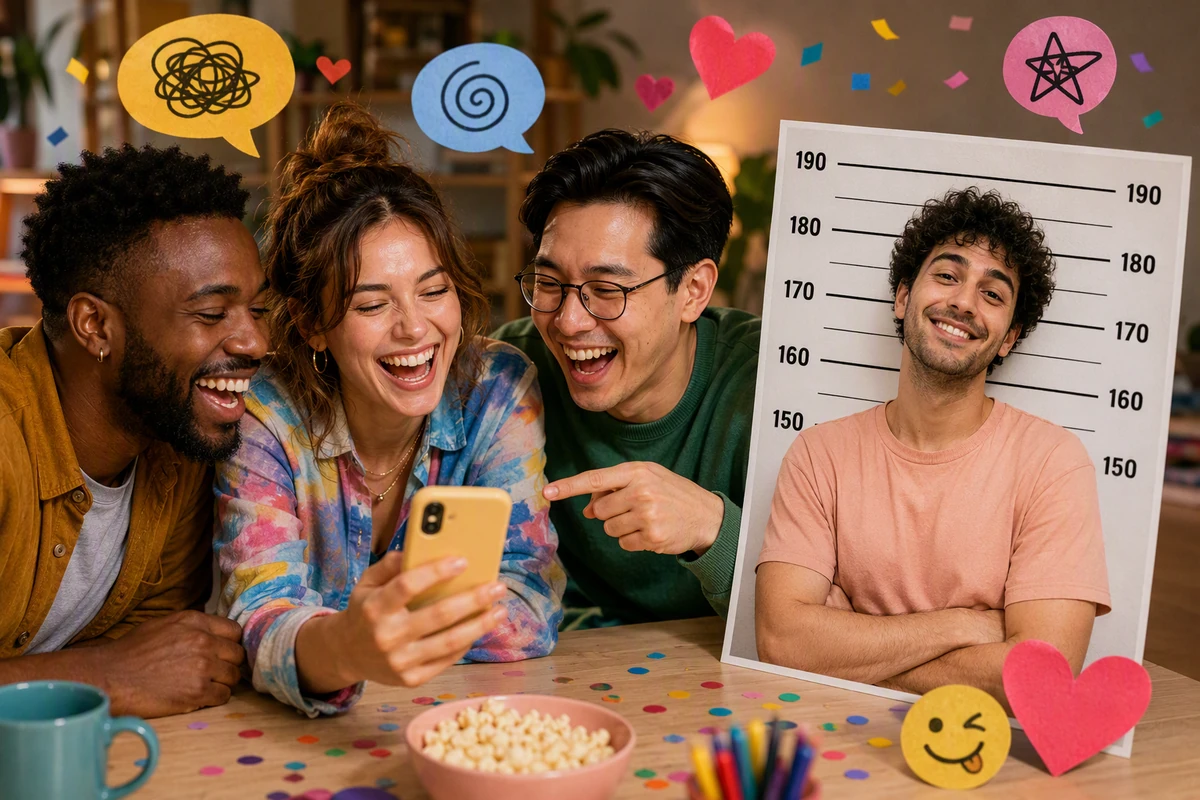
Three friends laugh over a phone beside a humorous portrait card with a numbered height-chart background.

Share a Fiction, Not an Accusation

Before posting, ask whether the image could imply that a real person was arrested. If so, make the fiction unmistakable or choose a fictional character. Pair the finished visual with a clearly humorous message using the AI Social Media Post Generator.

How to Make a Fictional Mugshot

Step 01

Choose the Portrait

Bring a clear, well-lit photo you own or may use. Decide whether the subject should smile, pose dramatically, or become a fictional character.

Step 02

Describe the Joke

Specify a prison-style numbered height wall, exaggerated palette, framing, and short comic caption. Explicitly exclude police logos, real case details, and credible accusations.

Step 03

Run the Fiction Check

Inspect identity, hands, text, and crop. Confirm the result reads as parody or fiction before downloading, printing, or sharing it with its intended audience.

Why creators choose Ottermind

Brief Stays Attached

Keep the portrait, fictional premise, caption direction, and review notes organized around one project.

Review Visible Work

Inspect each fictional mugshot result and approve critical connected-tool actions before the image leaves your workflow.

Carry Creative Context

Move an approved visual into invitations, campaign assets, or later design tasks without rebuilding its premise.

Iterate in Context

Ask agents to adjust framing or tone while keeping the subject and accepted fictional direction in view.

Separate Repair Tasks

Correct a weak source first, so restoration problems do not get confused with the mugshot-style transformation.

FAQ

What Does a Mugshot Maker Create?

It creates a staged portrait inspired by familiar booking-photo composition, such as a front-facing pose and height-line backdrop. This page is for fictional, playful imagery only. It does not create an official record, verify identity, document an arrest, or prove an accusation.

Which Photos Work Best as Input?

Use a clear portrait with the face visible, even lighting, and enough space around the head and shoulders for a new crop. If the source is soft, use Fix Blurry Pictures as a separate repair step before styling it.

How Do I Keep the Result Clearly Fictional?

Use an exaggerated palette, cheerful or theatrical expression, numbered height marks, and an obviously absurd caption. Avoid real agency names, badges, case numbers, news framing, or factual-sounding allegations. Share the context with the image instead of relying on viewers to infer the joke.

Can I Use Another Person's Photo?

Use an image you own or have permission to use, and consider how the subject could interpret the result. Do not imply criminal conduct or use the image to impersonate, harass, shame, or deceive someone. A fictional character is safer when consent is unclear.

What Should My Prompt Include?

Name the subject, pose, mood, generic backdrop, palette, crop, and humorous caption direction. Add explicit exclusions for logos, official identifiers, case details, and realistic allegations. This gives the mugshot maker a creative target plus a practical boundary for review.

Can I Animate the Finished Image?

Yes, as a separate creative step after you approve the still and its fictional framing. Continue with Image to Video, keep the same character and joke context attached, and review the motion result for misleading details before sharing.

Discover more

What they say about Ottermind

I uploaded my lecture notes before an exam and asked for a simple study guide. It pulled the main ideas together and gave me a much clearer place to start reviewing.

Jamie Lee - University Student

More from the blog

Create an Obviously Fictional Mugshot

Bring your portrait, playful premise, visual direction, and non-official boundaries into Studio, then carefully review the mugshot-style image before you share it.

Create in Studio