Photo to Anime Converter
Upload a photo, describe your anime direction, and create a stylized interpretation you can review and refine with Ottermind.
Drag an image here or click to upload












Explore image transformation styles
Explore a range of image transformations and find the look that fits your idea.
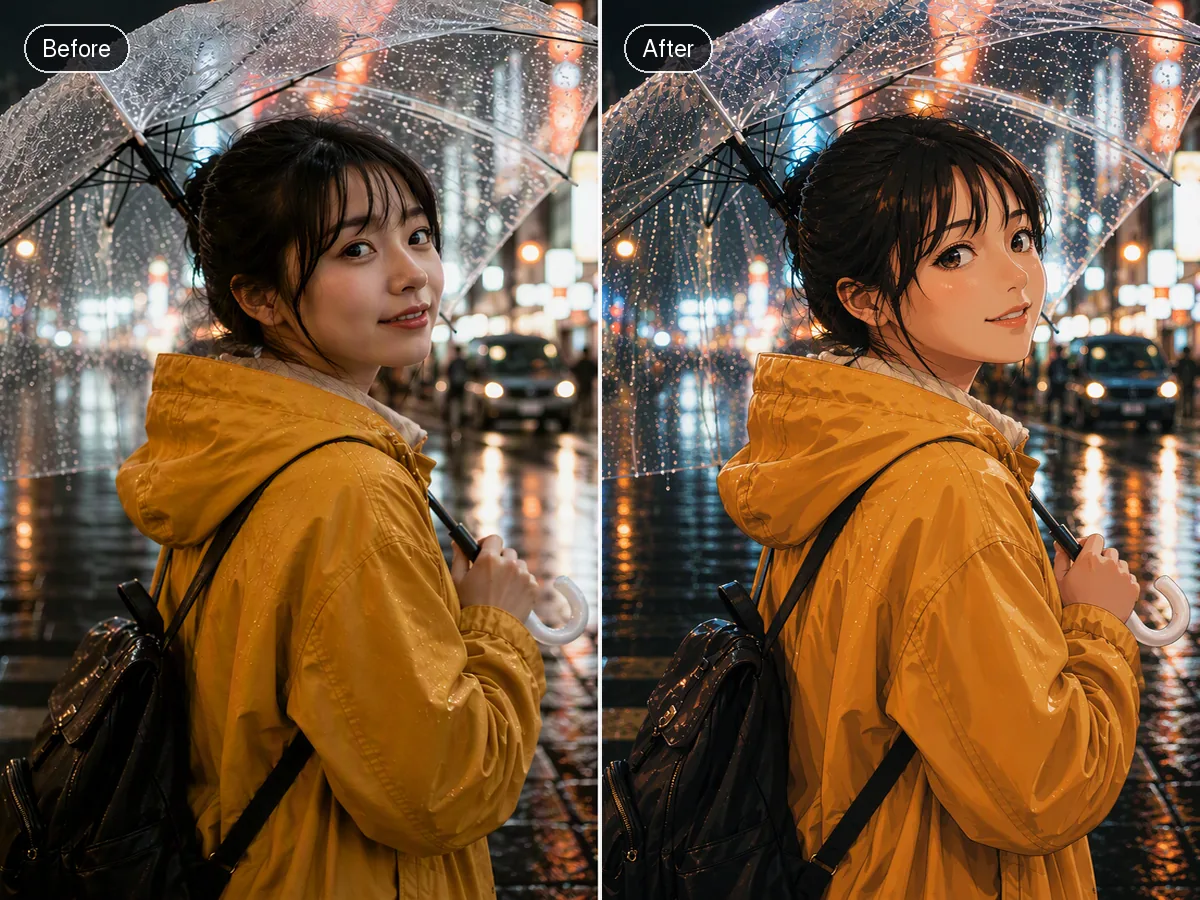
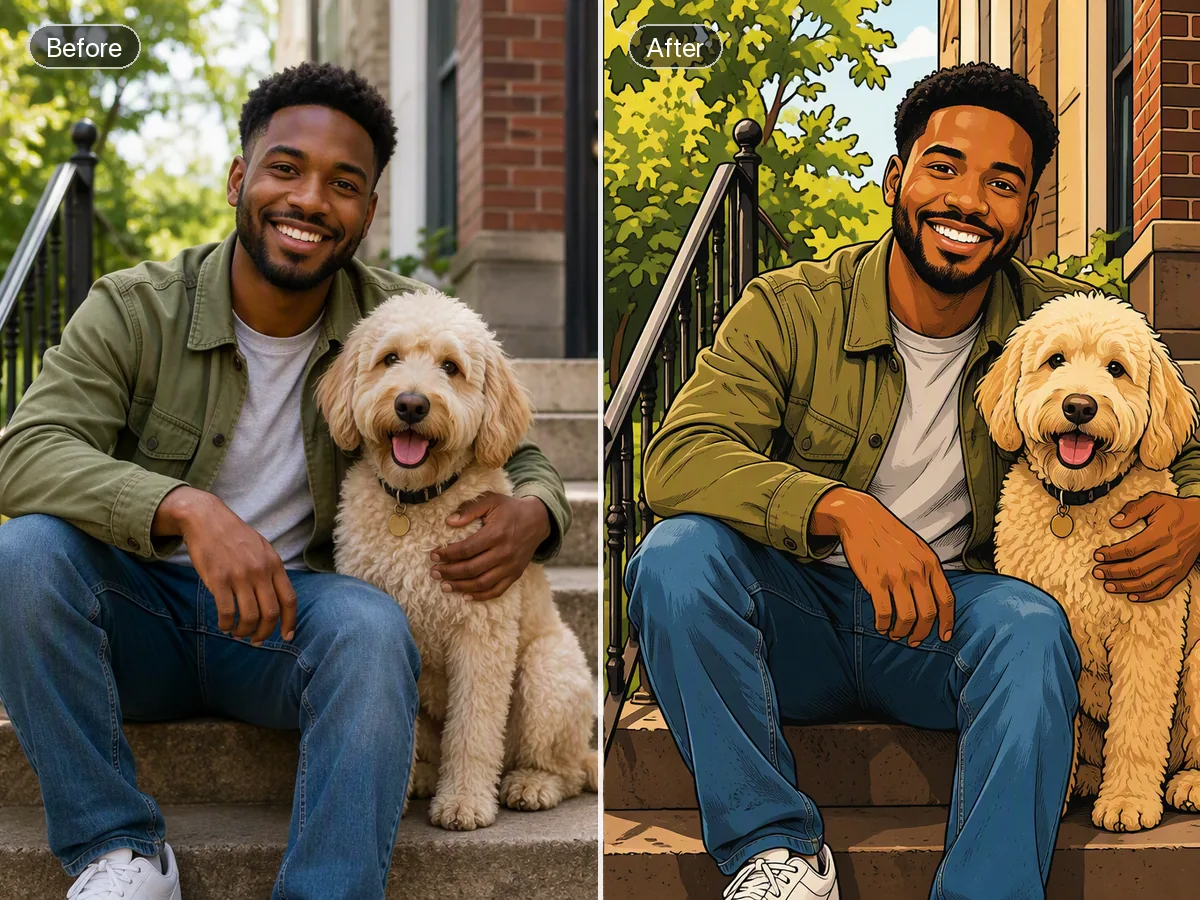
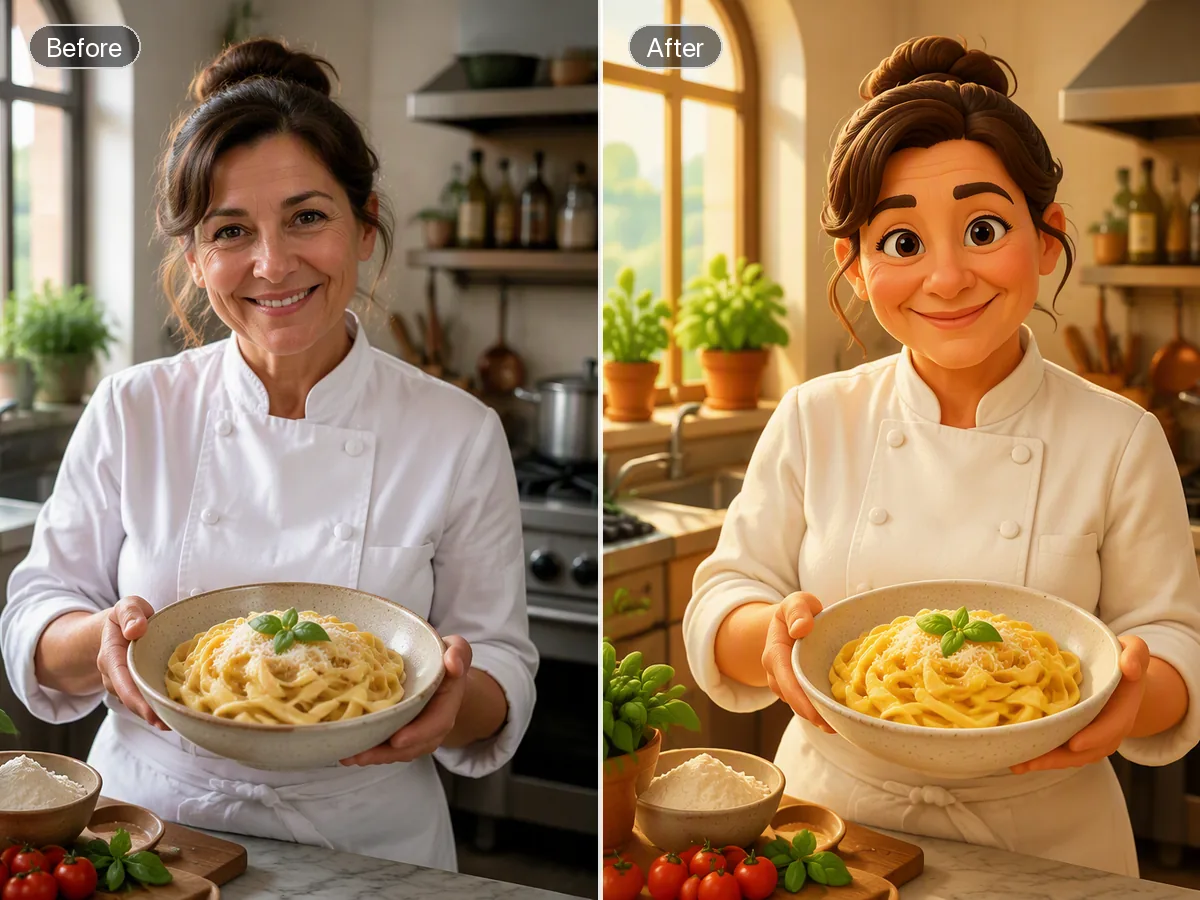
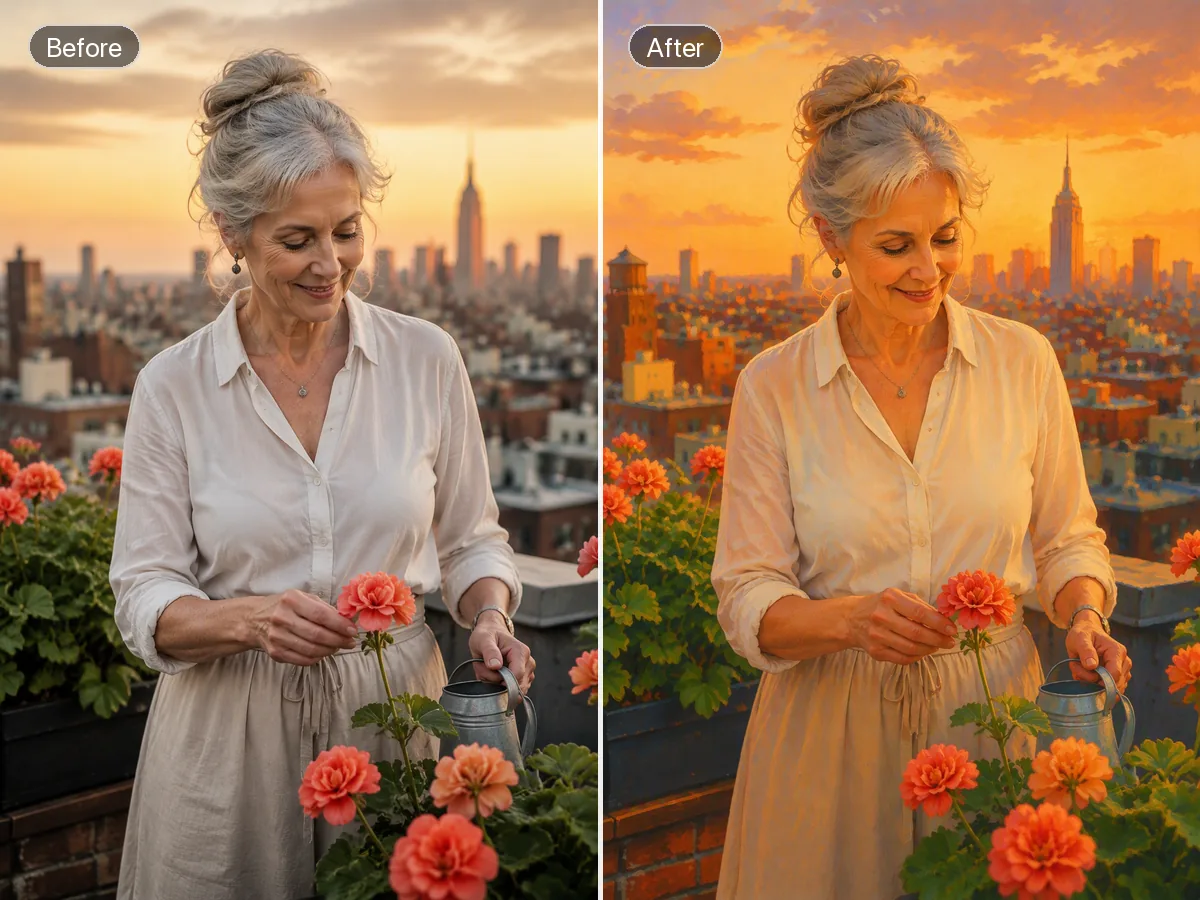
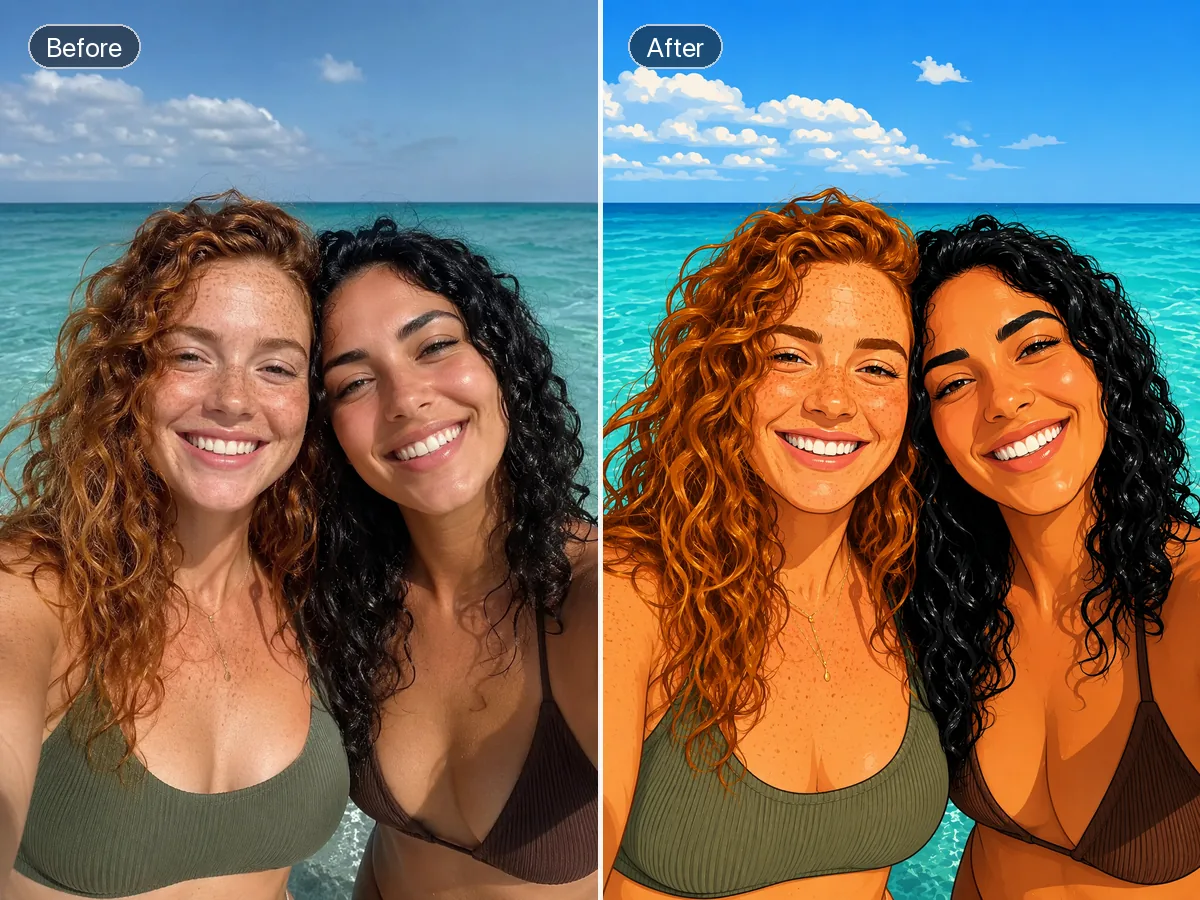
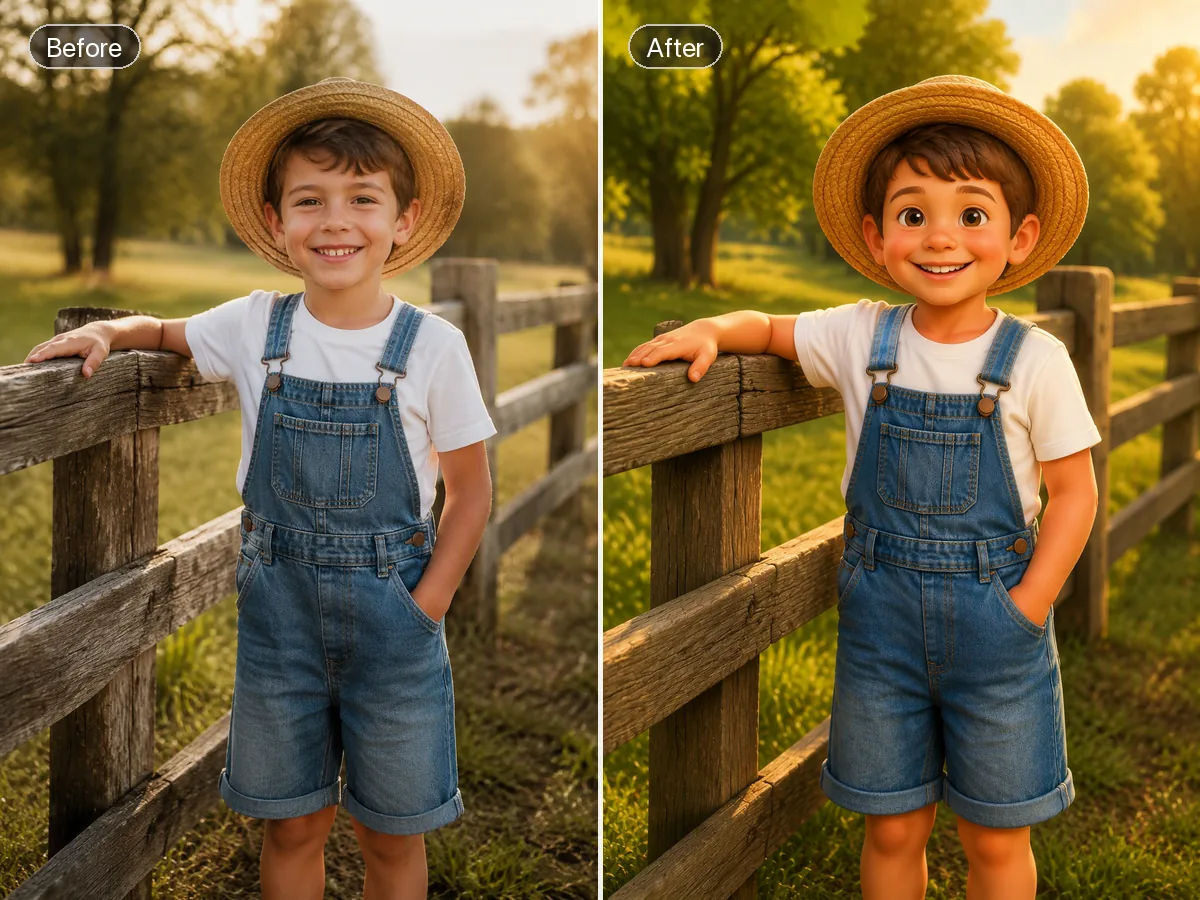
Turn a Reference Photo into Anime Art
A photo to anime converter uses your image as visual context while you direct the illustration style in words. Describe line weight, shading, palette, expression, clothing, and background, then let Ottermind create an original anime-inspired interpretation. Compare the result with the source and refine what matters. Stylization can change faces, poses, text, or small details, so recognizability should be reviewed rather than assumed.
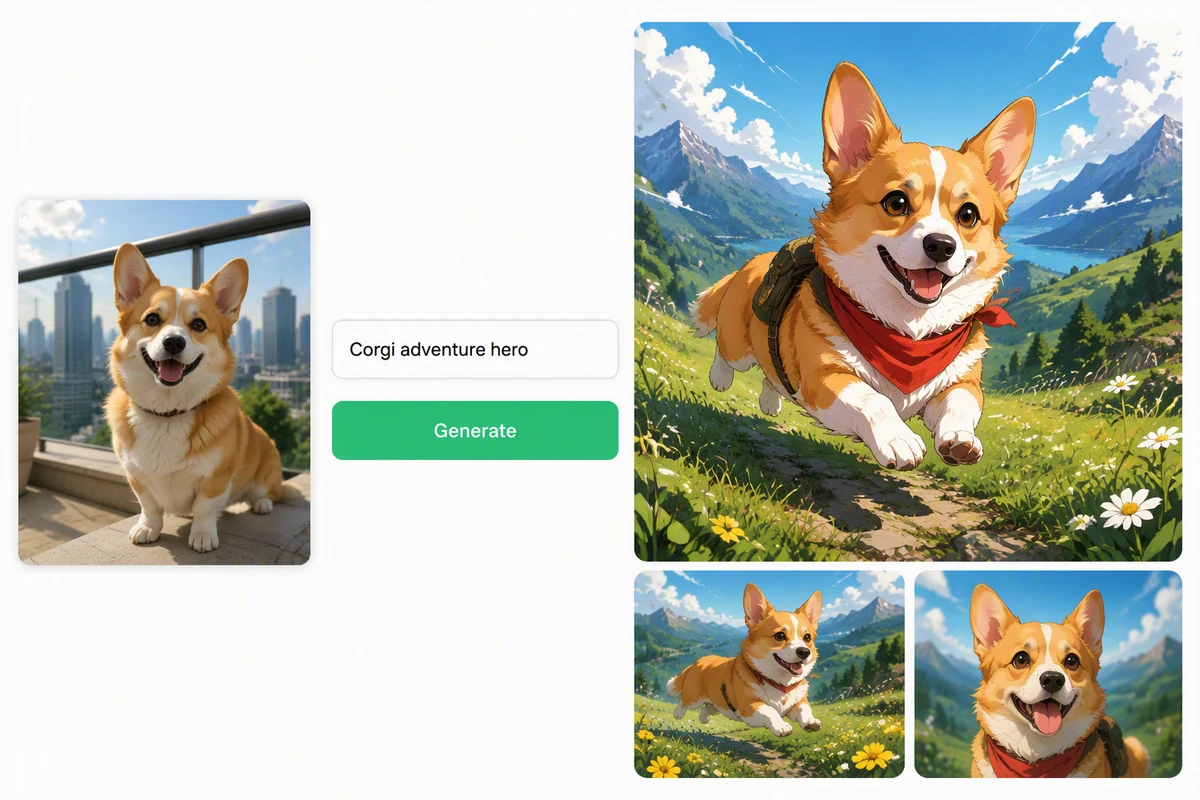
Keep the Subject Recognizable in a New Anime Scene
The balcony photo shows a corgi reimagined as a recognizable anime adventure hero in a new setting. Use AI image generation when the concept needs a new setting beyond the uploaded composition. Use the visible subject, texture, and composition as checkpoints when comparing the source and result.
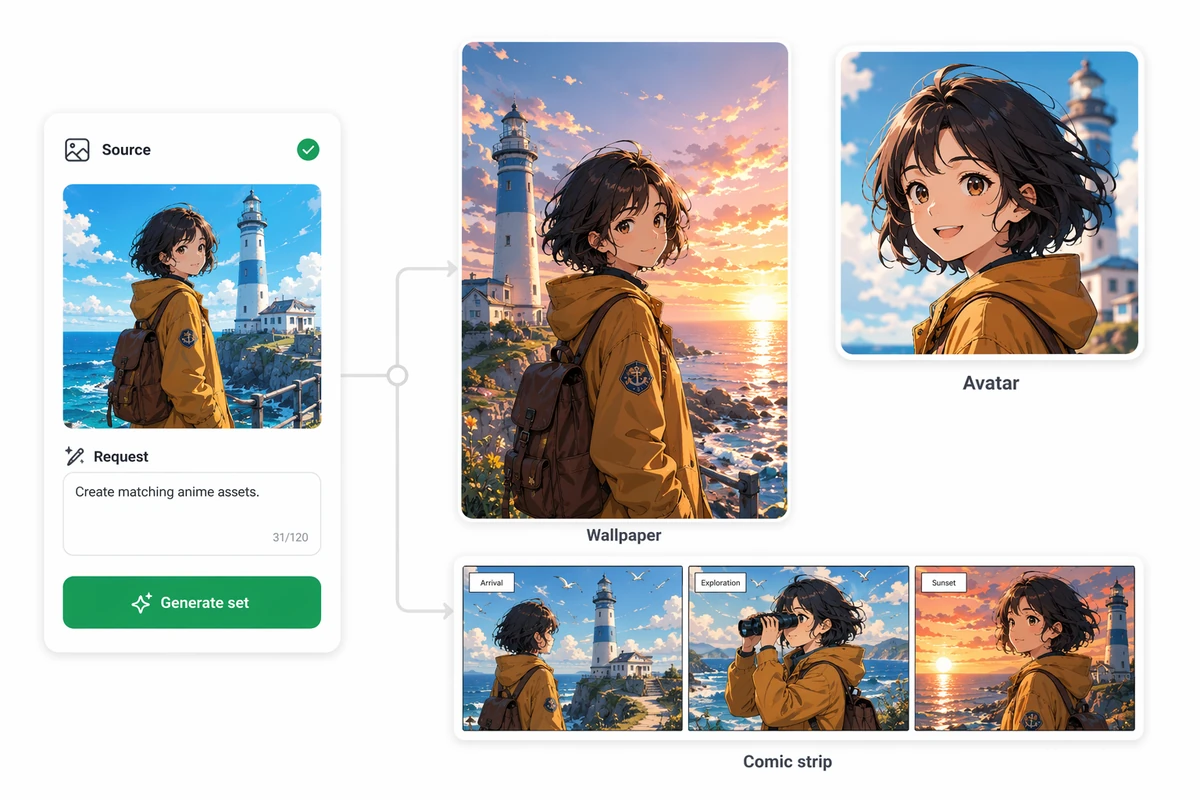
Explore Different Anime Styles
The portrait example explores distinct line, palette, and shading directions from the same source photo. After approving the character direction, continue with Photo to Anime Video AI Free for a separate motion interpretation. Review the source and result side by side at normal viewing size before choosing a final direction.
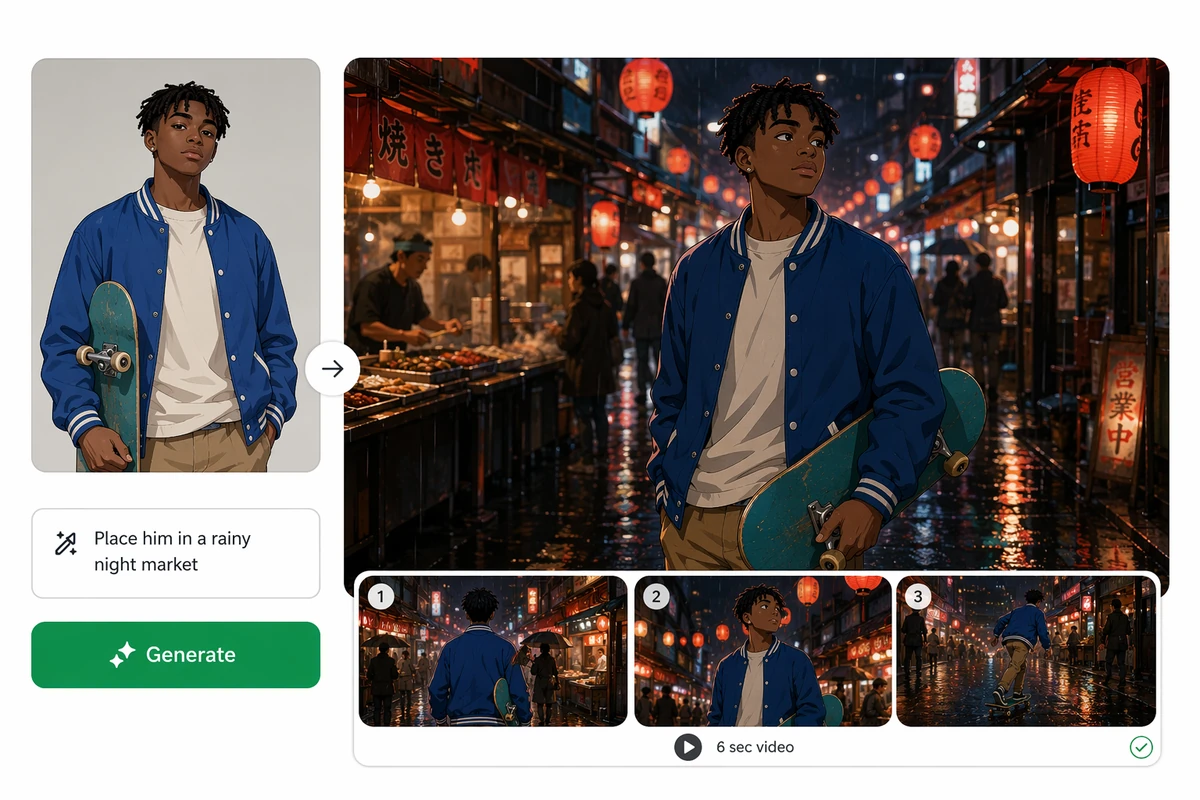
Build an Anime Story from One Reference
The sequence example develops one reference into coordinated anime scenes that share a consistent character direction. Carry the approved character direction into a longer sequence with the AI video generator. Keep the approved result with the project so later creative steps can follow the same visual direction.
Use the Photo to Anime Converter in 3 Steps
Step 01
Choose a Reference
Add a photo you can use, then identify the subject, pose, expression, clothing, and setting that should guide the interpretation throughout the result.
Step 02
Describe the Style
Specify line quality, shading, palette, mood, and background direction, avoiding a named artist when a visual description works better for the final result.
Step 03
Compare and Refine
Inspect recognizability and composition, flag unwanted drift, and keep refining the strongest anime direction with focused feedback and careful comparisons in Ottermind.
Why creators choose Ottermind
Prompted Art Direction
Describe line, color, shading, mood, and setting instead of accepting one default look.
Reference-Led Context
Keep the original photo visible while deciding which stylized changes work for you.
Focused Feedback
Refine expression, palette, or environment through specific notes rather than restarting blindly.
Multiple Creative Paths
Explore portrait, pet, travel, and character concepts from the same contextual workflow.
Still-to-Motion Workflow
Carry approved art into Image to Video with the chosen direction attached.
Visible Agent Work
Review outputs, keep decisions connected, and approve critical actions before using the result.
FAQ
Will the Anime Result Still Look Like Me?
It may remain recognizable, but exact identity preservation is not guaranteed. Anime stylization changes proportions, line work, and shading by design. Compare facial structure, hair, expression, clothing, and distinctive features with the source before choosing a result.
Can I Turn Photo into Anime Free?
The phrase describes common search intent, not a promise from this page. Current access, pricing, credits, and account requirements must be checked in the product interface. The workflow here focuses on giving clear art direction and reviewing the generated interpretation.
What Photos Work Best for Anime Conversion?
Use a photo with a readable subject, intentional framing, and visible features you can evaluate. Complex scenes can still inspire artwork, but small faces, crowded backgrounds, and embedded text create more details to inspect after the transformation.
Can I Choose a Different Anime Style?
Describe the visual ingredients instead of relying on a broad label: line weight, color contrast, cel or soft shading, expression, era, mood, and environment. This gives the agent clearer direction while supporting an original interpretation rather than an exact imitation.
Can I Animate the Anime Image Later?
Yes, as a separate creative step after you review the still image. Use AI Reel Maker for a short multi-scene concept, and keep the approved character direction and source context attached to the brief.
What Should I Review before Sharing Anime Art?
Check faces, hands, clothing, text, background objects, and the rights to your source material. If you want a music-led visual sequence, continue with AI Music Video Generator after approving the still and its creative direction.
Discover more
AI Resume BuilderAI Receipt TrackerPC Builder AIAI Logo GeneratorAI Brochure MakerAI Menu GeneratorAI Quote GeneratorAI Story GeneratorAI Art Generator from ImageAI Comic Generator from PhotoAI Lip Sync ToolAI Music Video GeneratorAi pet portrait generatorAI Reel MakerAI Social Media Post GeneratorAI Video DemoFix Blurry PicturesGhibli AI GeneratorGhibli Art Video GeneratorGIF Background RemoverHashtag GeneratorImage EffectsImage saturationImage to VideoInstagram Name GeneratorFree Online Photo Collage MakerMugshot MakerPicture Outline MakerPhoto RetouchingPhoto to Anime ConverterPhoto to Anime Video AI FreeConvert Photo to Oil PaintingPhoto to SketchPhoto to Video AI FreeReplace Color in ImageResume Photo EditorSlogan GeneratorUsername GeneratorYouTube Name Generator
How people use Ottermind for images
I had a batch of mug photos shot on my kitchen table. I cleared the clutter, tried two cleaner backgrounds, and kept the one that still looked like my real product. It felt more like tidying up a shoot than starting over.
Lena Ortiz - Online Shop Owner
More from the blog












Create Your Anime-Inspired Photo Interpretation
Bring a photo, describe the line work, palette, mood, and setting you want, then compare and refine an original anime direction with Ottermind throughout the project.
Create Anime Art