Photo to Sketch
Upload a photo, describe your drawing style, and create a sketch interpretation you can compare, refine, and develop with Ottermind.
Drag an image here or click to upload












Explore image transformation styles
Explore a range of image transformations and find the look that fits your idea.
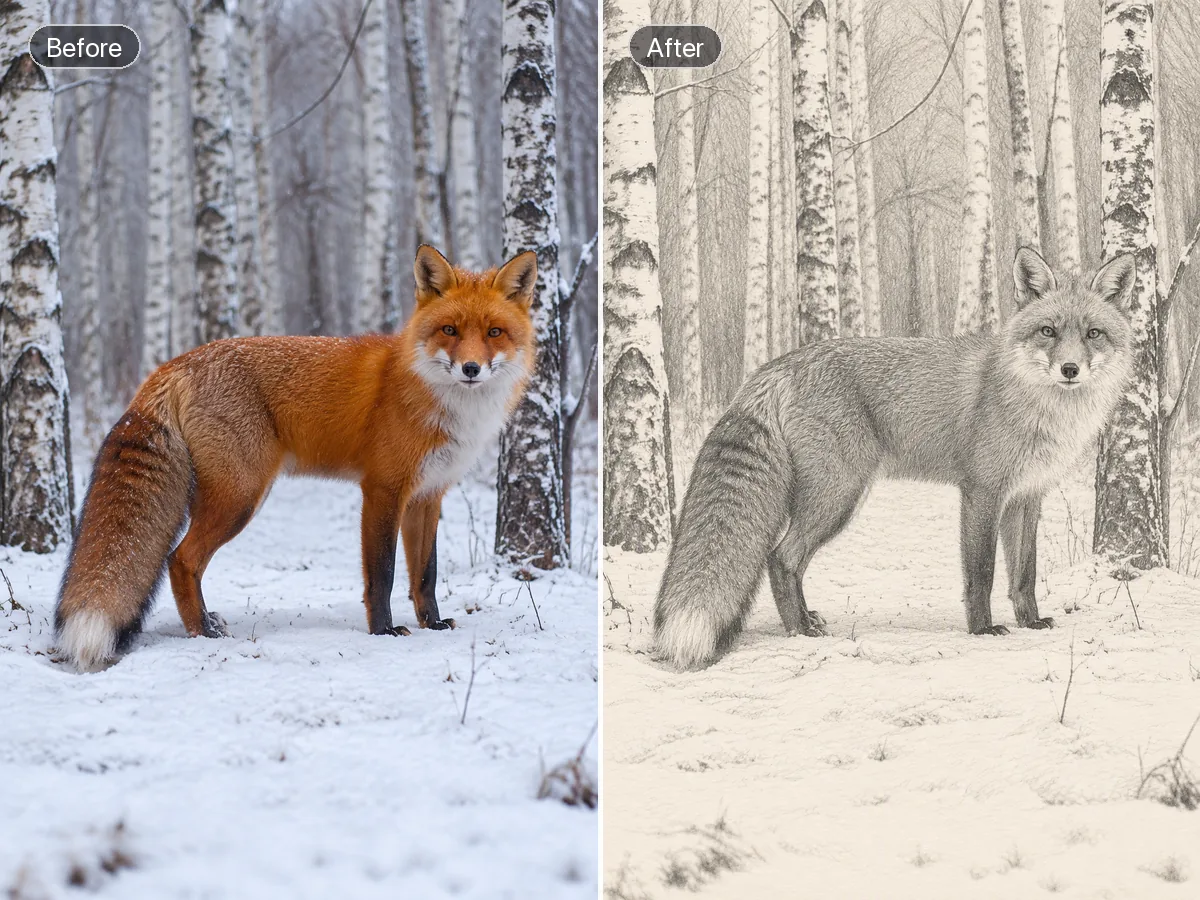
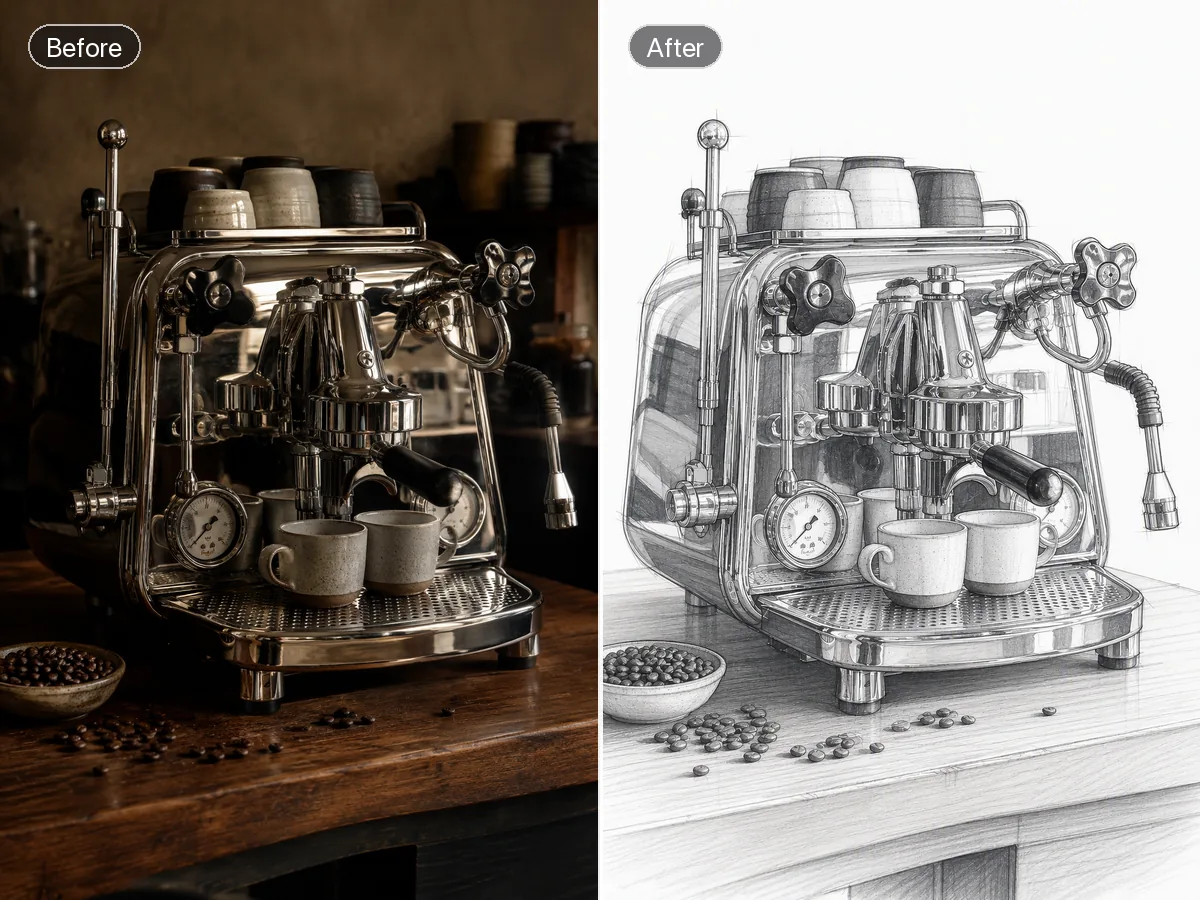
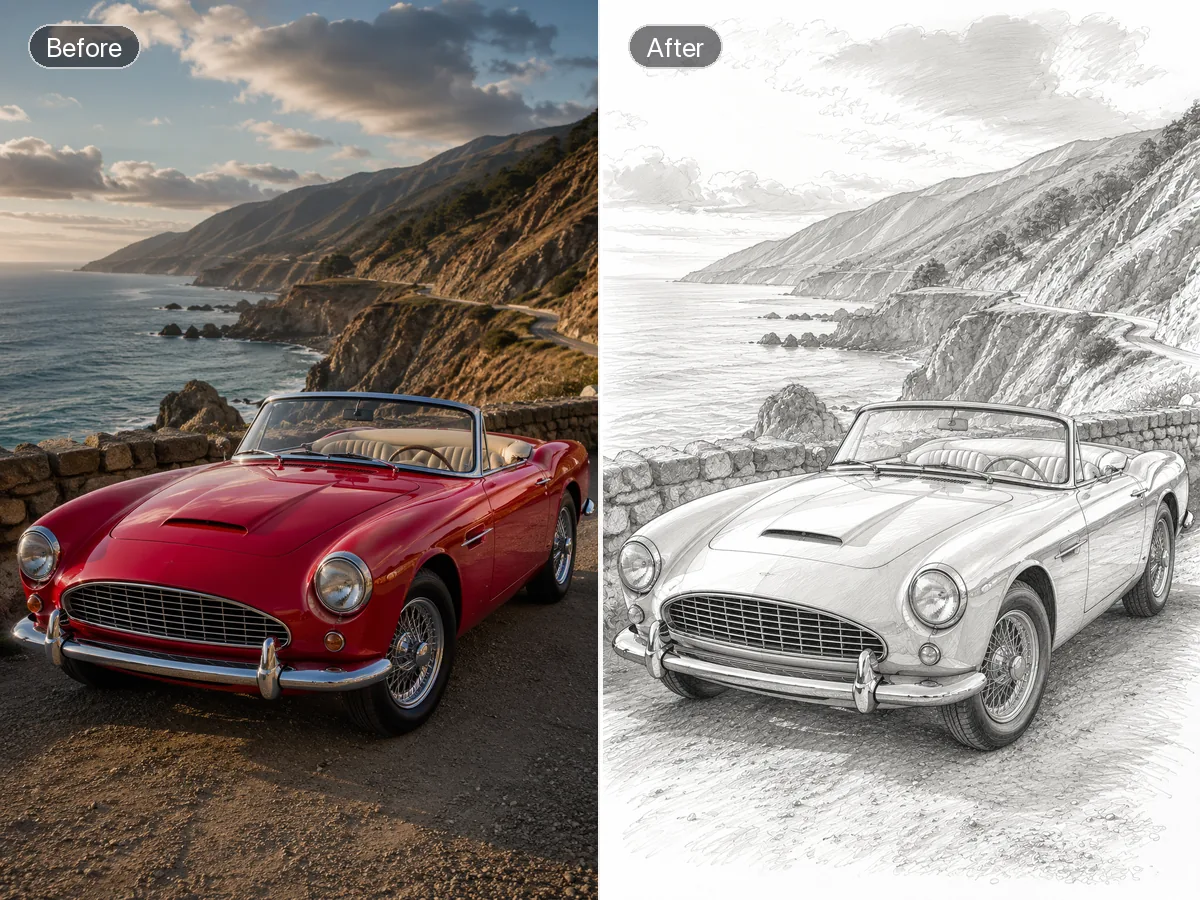
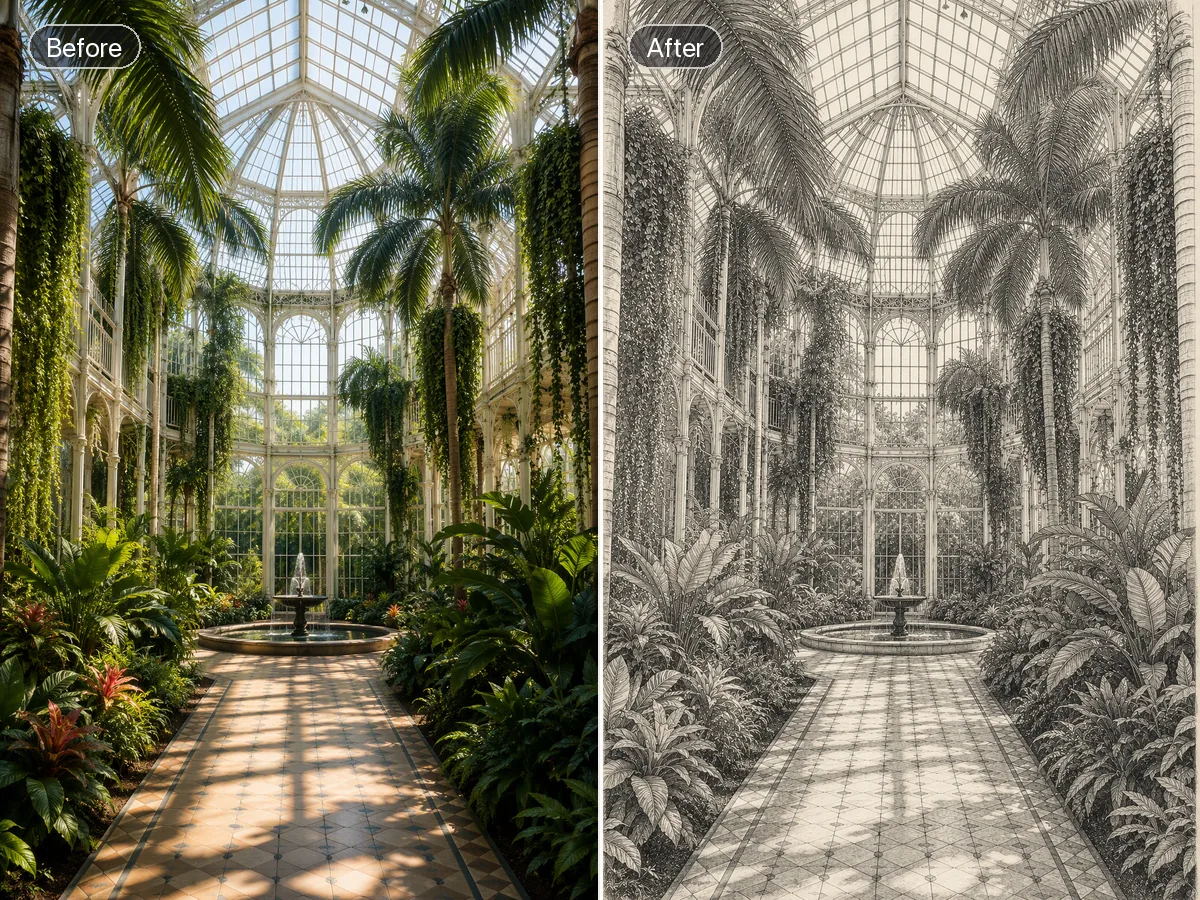
From Reference Photo to Purposeful Sketch Art
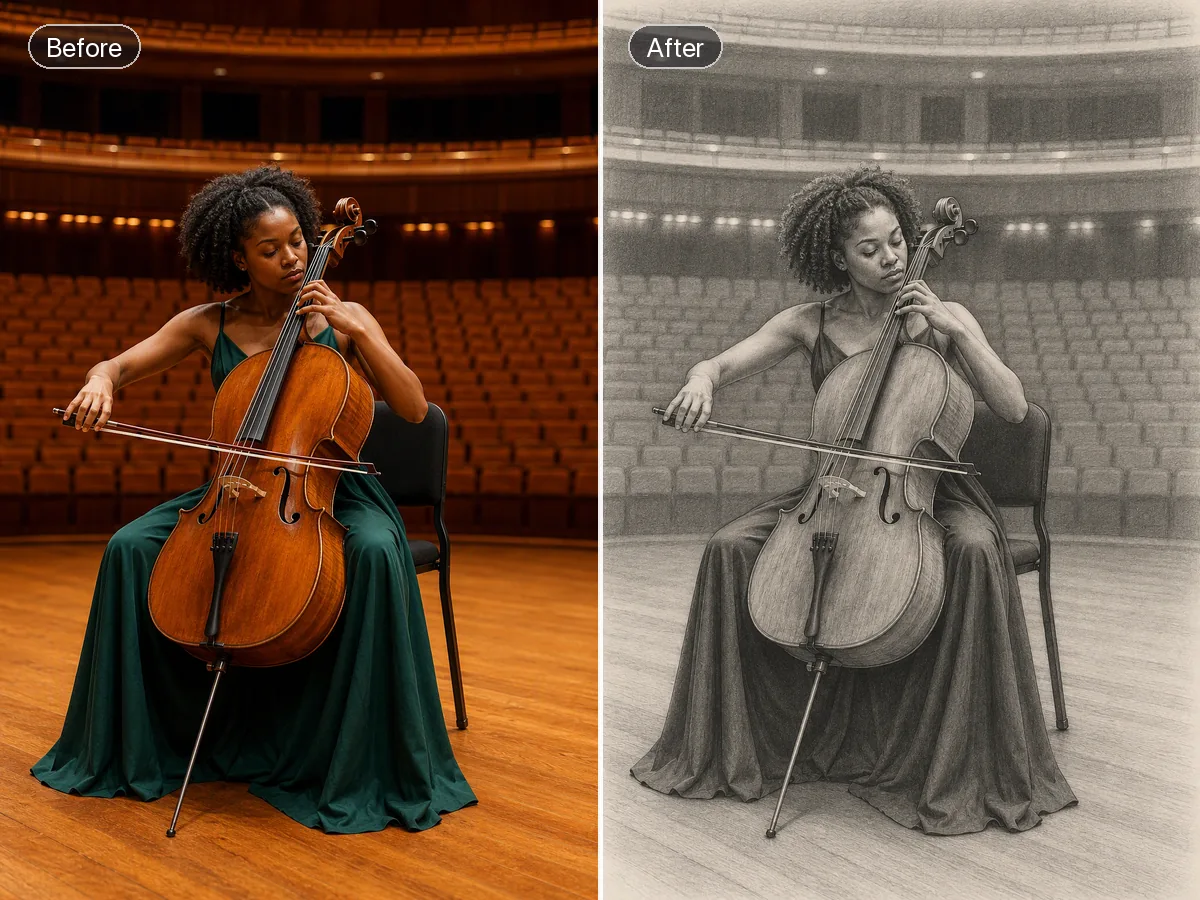
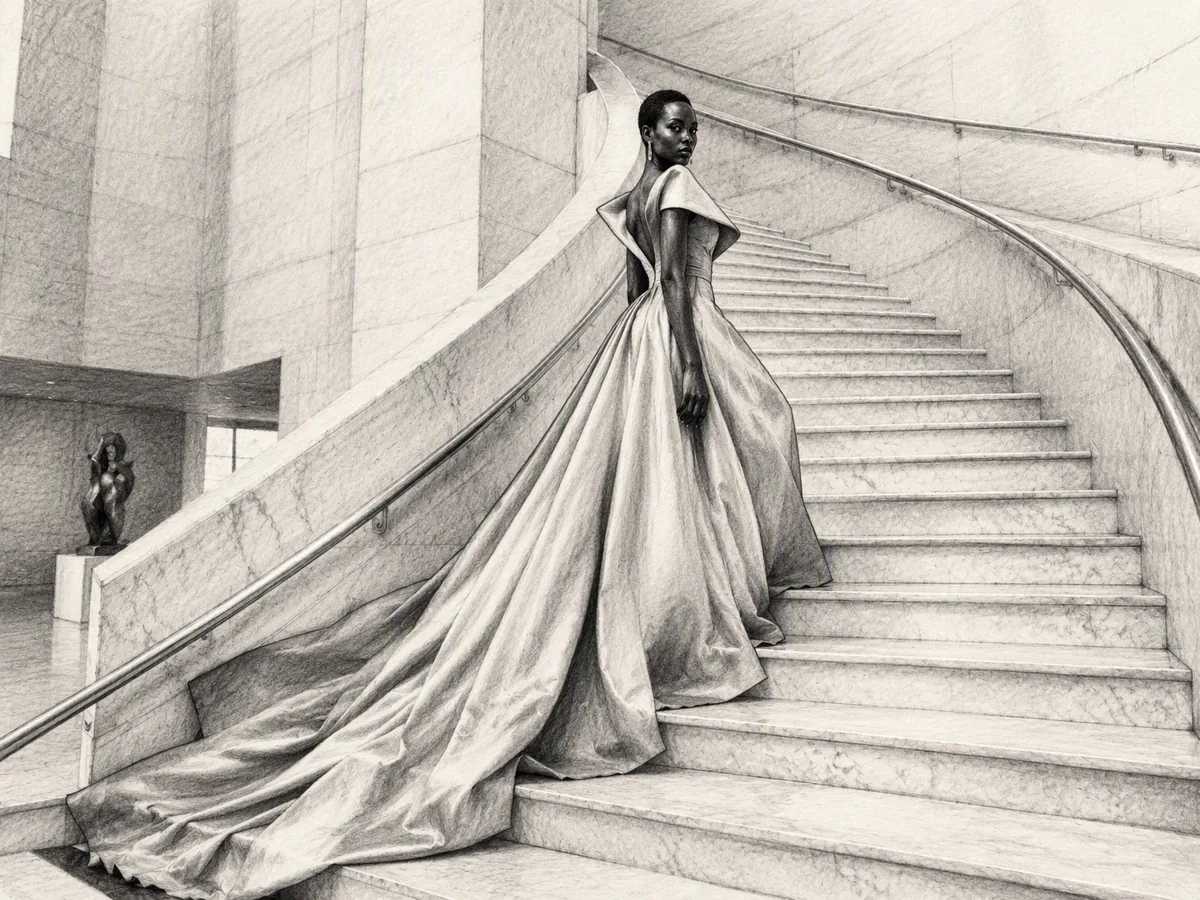
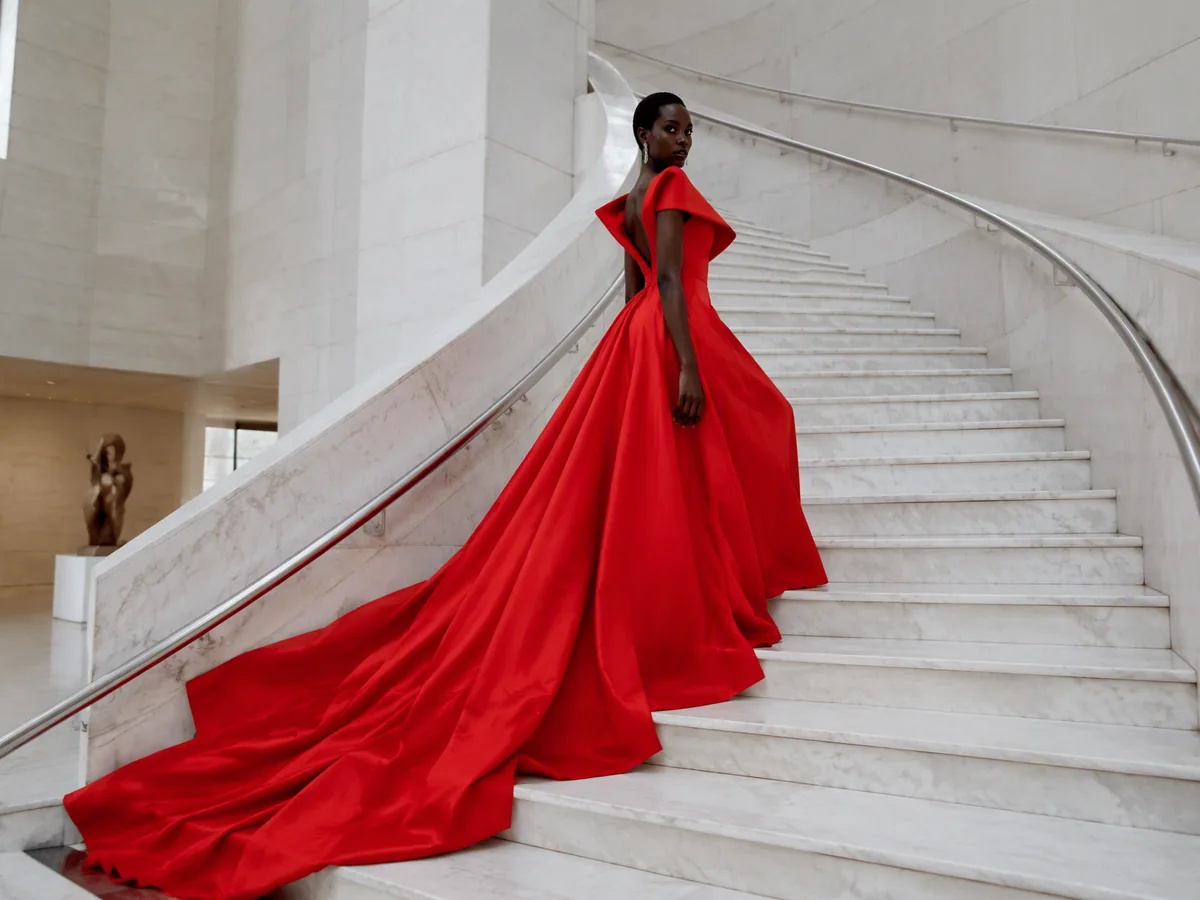
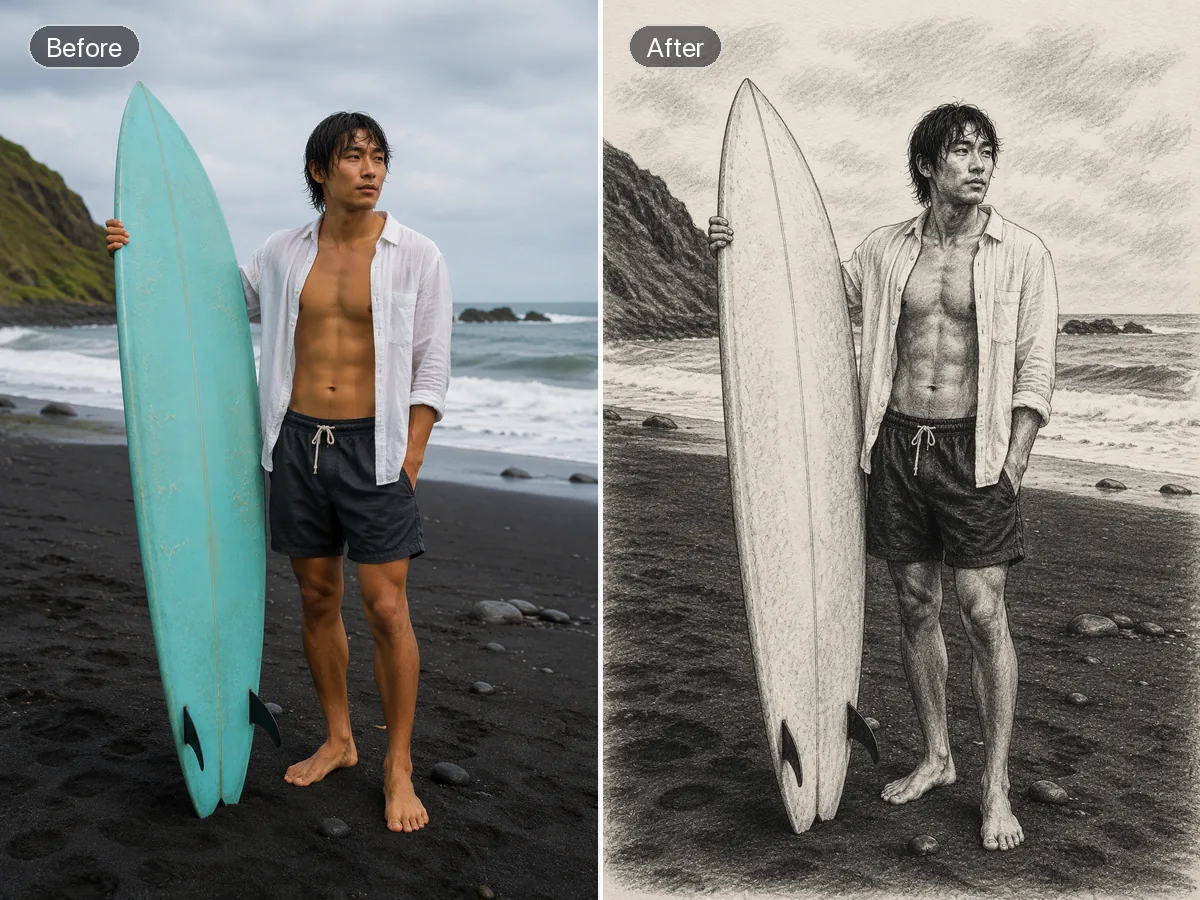
A photo to sketch workflow uses your image for composition and subject context, then translates your art direction into an original drawing. Tell Ottermind whether you want graphite, charcoal, ink, contour lines, or another mark-making approach. Review edges, proportions, tonal values, and simplified details before refining. The output is a generated interpretation, not proof that every source detail was preserved or hand drawn.
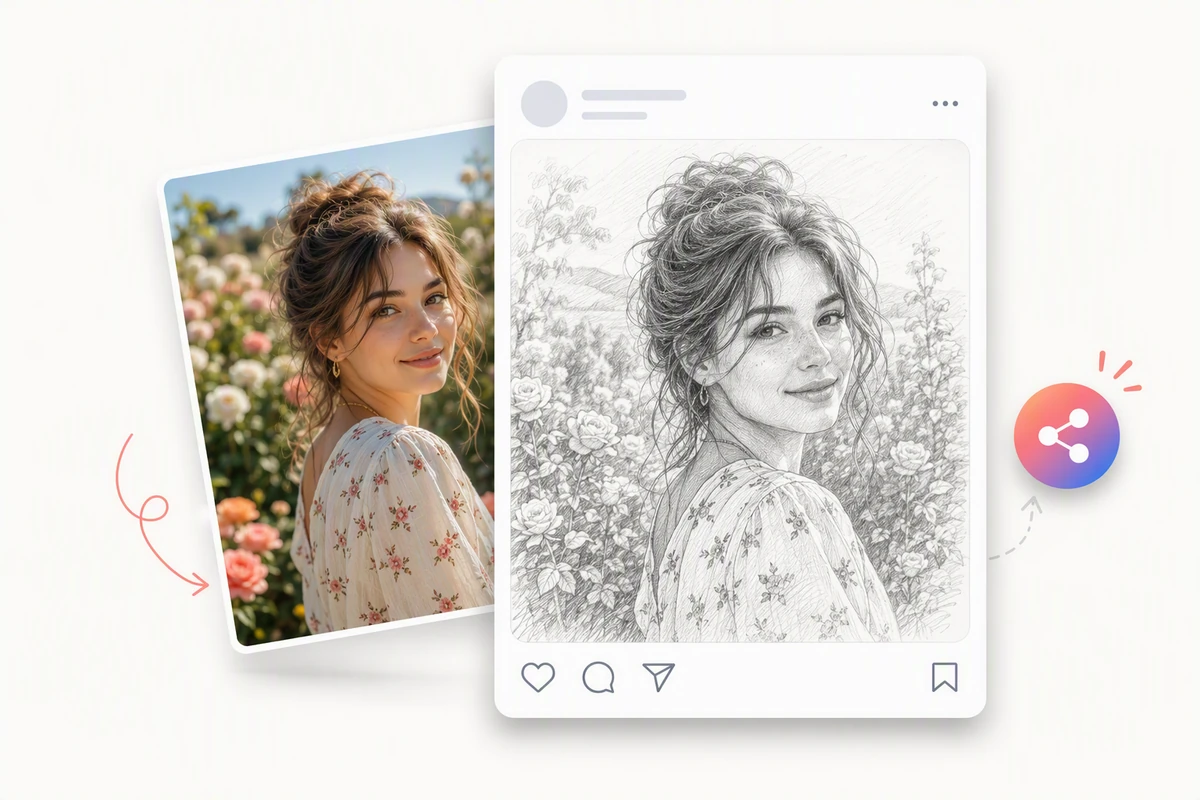
Share a Polished Sketch Portrait
The garden portrait becomes a detailed graphite composition prepared as a polished social post. Use AI image generation first when the composition needs a new subject or setting. Use the visible subject, texture, and composition as checkpoints when comparing the source and result.
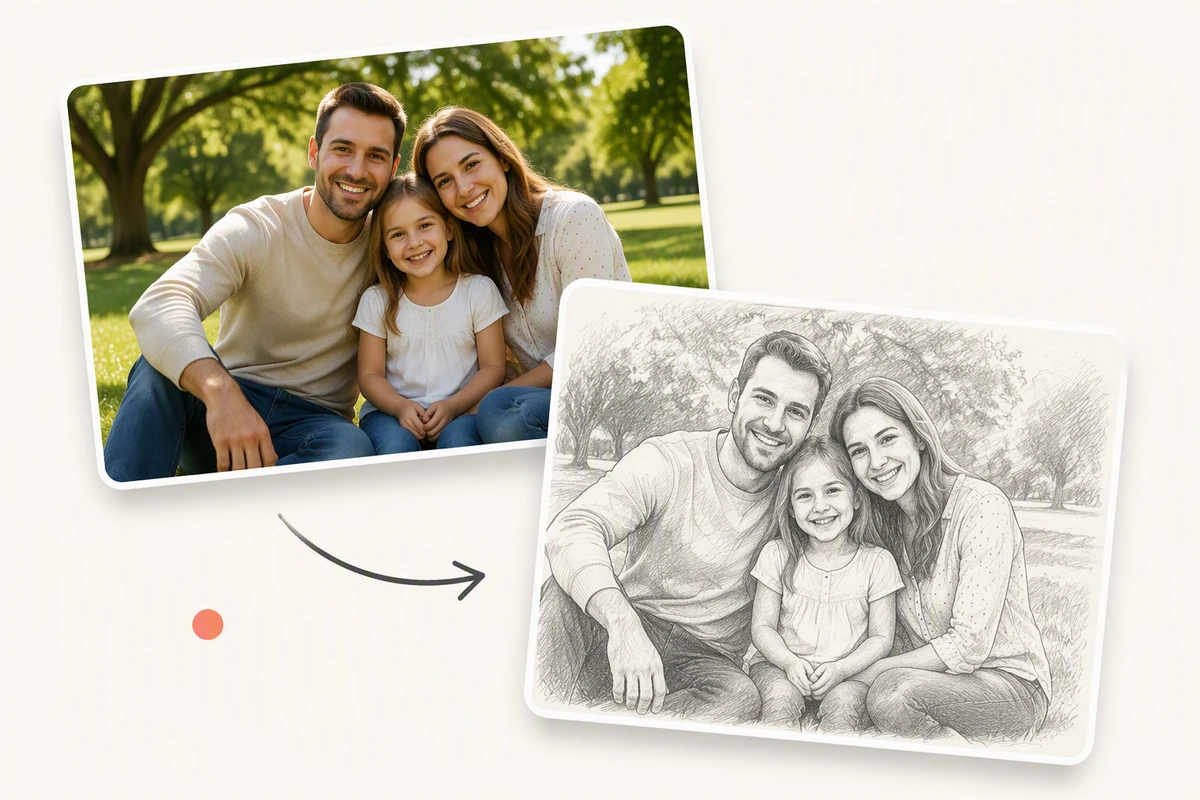
Turn Family Photos into Drawn Keepsakes
The family park photo becomes a matching graphite sketch designed as a personal keepsake. Approve the drawing before moving to Image to Video for a separate motion treatment. Review the source and result side by side at normal viewing size before choosing a final direction.
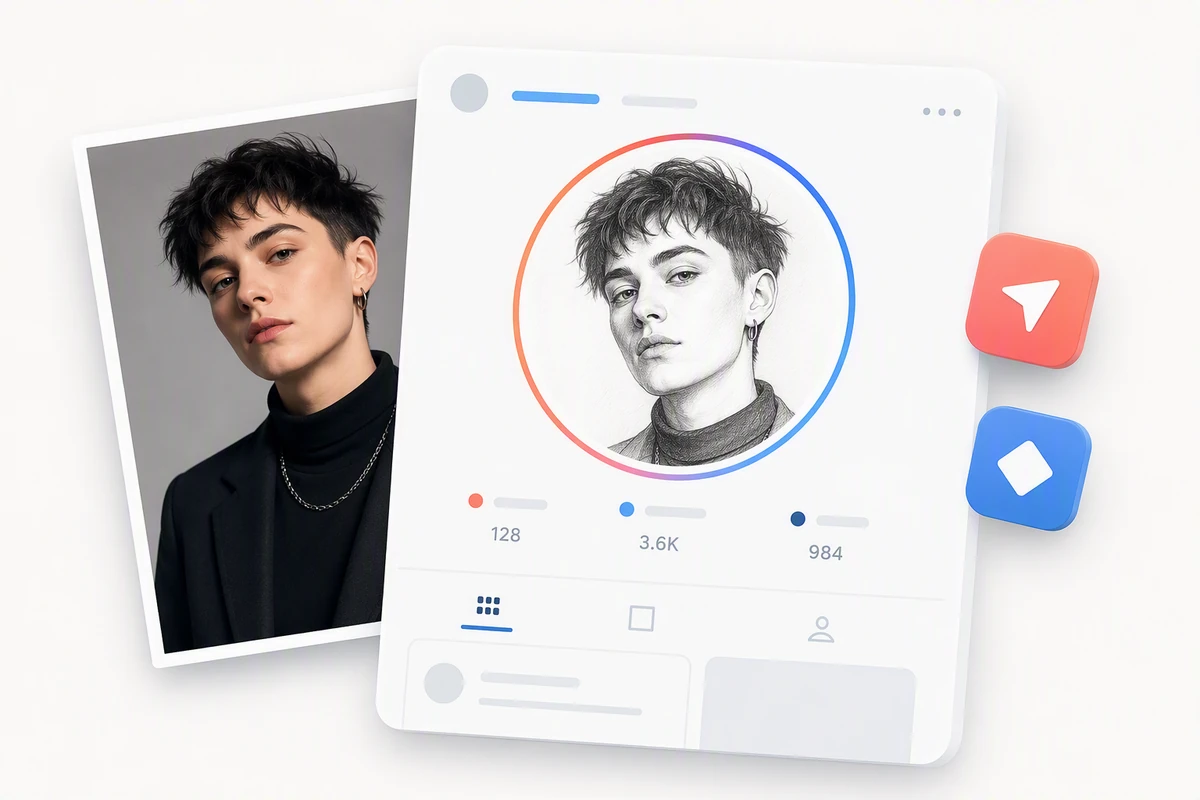
Create a Profile-Ready Sketch Avatar
The portrait example becomes a clean graphite avatar framed for a profile image. Extend the approved sketch into a wider visual story with the AI video generator. Keep the approved result with the project so later creative steps can follow the same visual direction.
How Photo to Sketch Works in 3 Steps
Step 01
Add a Photo
Choose an image you can use, then identify the subject, composition, edges, lighting, and details that should guide the drawing from start to finish.
Step 02
Direct the Marks
Describe the medium, line weight, shading, texture, background treatment, and level of simplification you want in the complete finished sketch interpretation overall.
Step 03
Inspect and Refine
Compare proportions and important details with the source, then refine tone, contours, texture, or composition through focused feedback and another careful review.
Why creators choose Ottermind
Specific Art Direction
Describe marks, tone, texture, and simplification instead of settling for one sketch filter.
Source-Guided Composition
Keep the reference visible while deciding which forms and details deserve emphasis.
Focused Revisions
Adjust contours, shading, or paper texture without losing the useful project context.
Flexible Drawing Directions
Explore portraits, architecture, products, pets, and landscapes through distinct, purposeful mark-making briefs.
Connected Creative Work
Develop the selected drawing into an AI Reel Maker concept without losing its brief.
Reviewable Results
Inspect agent work, compare versions, and approve critical actions before using the artwork.
FAQ
What Is a Photo to Sketch Converter?
A photo to sketch process uses a reference and your drawing instructions to create a sketch-style interpretation. It can simplify shapes, translate tones into marks, and restage texture, so review the result as new artwork rather than a mechanically traced copy.
Which Sketch Styles Can I Describe?
You can request visual directions such as graphite, charcoal, ink, contour drawing, cross-hatching, or a clean outline. Describe mark density, line weight, paper feel, tonal contrast, and background treatment so the brief communicates more than a medium name.
Will the Sketch Preserve Every Detail?
No exact preservation is guaranteed. Sketching often removes or reorganizes detail to make shapes and values readable. Compare faces, proportions, text, logos, and object geometry with the source, especially when the image represents a real person or product.
What Photos Make Strong Sketch References?
Images with a clear subject, useful contrast, intentional framing, and visible edges are easier to evaluate. Busy scenes can also work, but decide what the drawing should emphasize and which background information may be simplified before generating a direction.
Can I Turn the Sketch into a Video?
Yes, after reviewing the still as a separate creative result. Continue with Photo to Video AI Free when the source is photographic, and carry the selected sketch direction into the motion brief for context.
How Can I Use Sketch Art in a Project?
Use artwork you have the rights to in concepts, presentations, or campaign drafts, then review project-specific requirements before publishing. For a narrated visual walkthrough, continue with AI Video Demo and keep your approved drawing direction attached.
Discover more
AI Resume BuilderAI Receipt TrackerPC Builder AIAI Logo GeneratorAI Brochure MakerAI Menu GeneratorAI Quote GeneratorAI Story GeneratorAI Art Generator from ImageAI Comic Generator from PhotoAI Lip Sync ToolAI Music Video GeneratorAi pet portrait generatorAI Reel MakerAI Social Media Post GeneratorAI Video DemoFix Blurry PicturesGhibli AI GeneratorGhibli Art Video GeneratorGIF Background RemoverHashtag GeneratorImage EffectsImage saturationImage to VideoInstagram Name GeneratorFree Online Photo Collage MakerMugshot MakerPicture Outline MakerPhoto RetouchingPhoto to Anime ConverterPhoto to Anime Video AI FreeConvert Photo to Oil PaintingPhoto to SketchPhoto to Video AI FreeReplace Color in ImageResume Photo EditorSlogan GeneratorUsername GeneratorYouTube Name Generator
How people use Ottermind for images
I had a batch of mug photos shot on my kitchen table. I cleared the clutter, tried two cleaner backgrounds, and kept the one that still looked like my real product. It felt more like tidying up a shoot than starting over.
Lena Ortiz - Online Shop Owner
More from the blog

















Turn Your Photo into a Sketch Direction
Add a reference, describe the marks, tone, and texture you want, then let Ottermind create a sketch interpretation you can inspect and refine.
Create a Sketch