Picture Outline Maker
Upload a photo, describe the subject, outline color, and edge weight, then create an outlined image you can compare and refine with Ottermind.
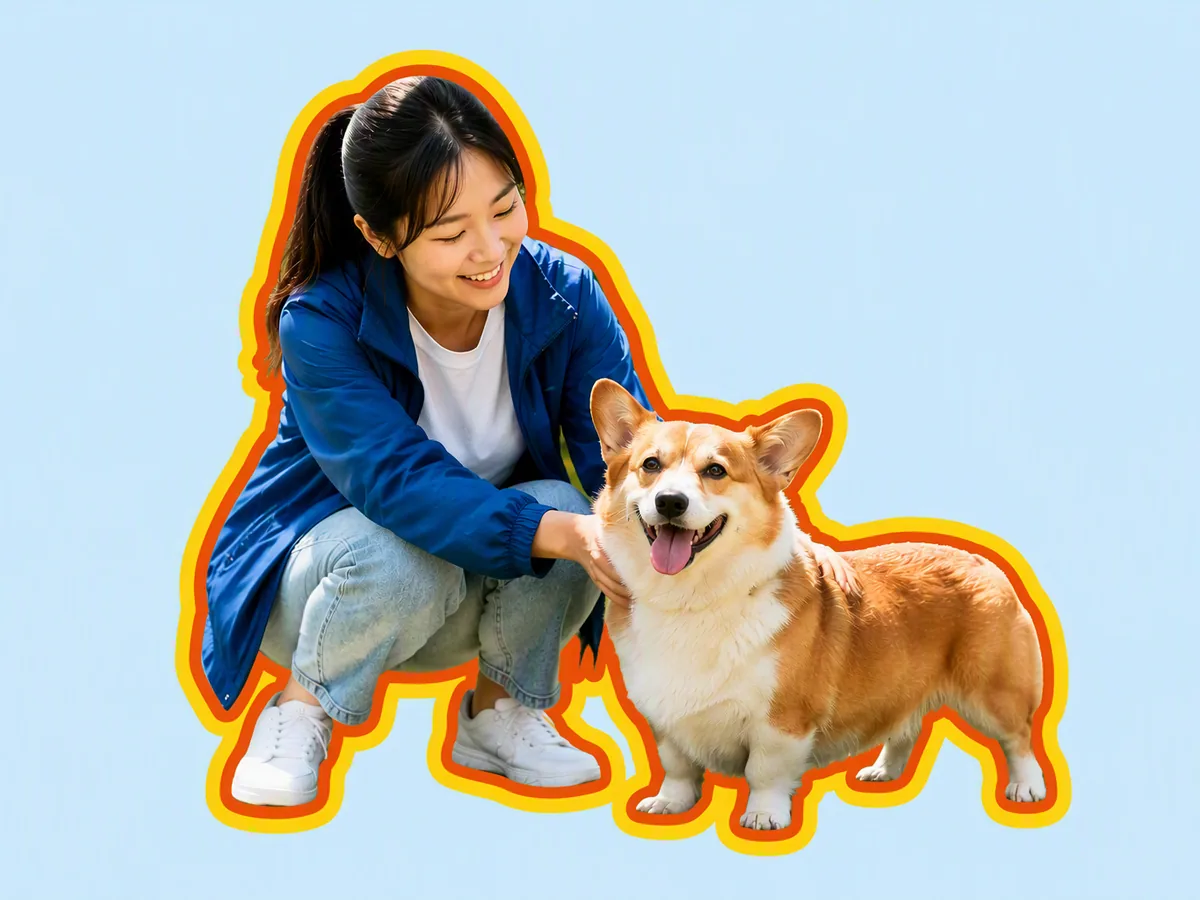
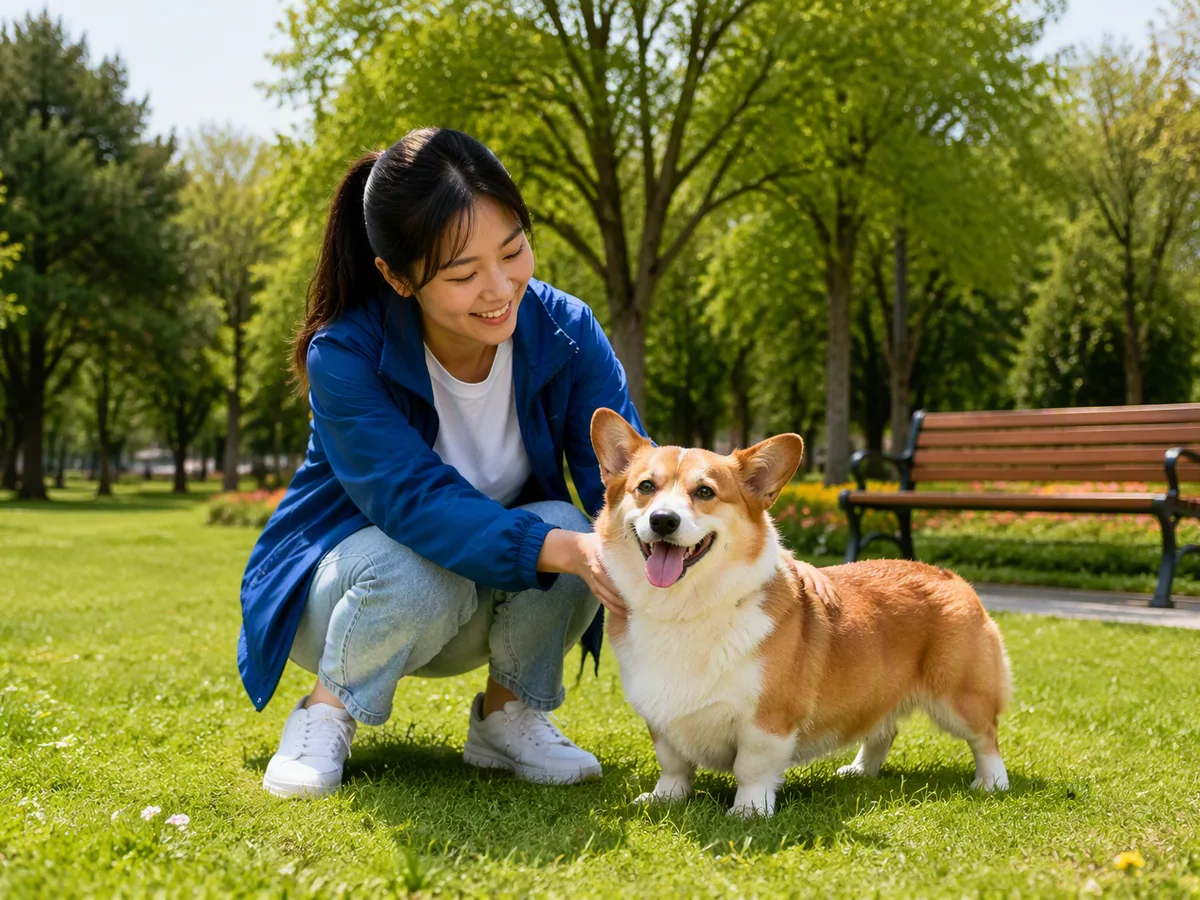
Drag an image here or click to upload












Explore image transformation styles
Explore a range of image transformations and find the look that fits your idea.

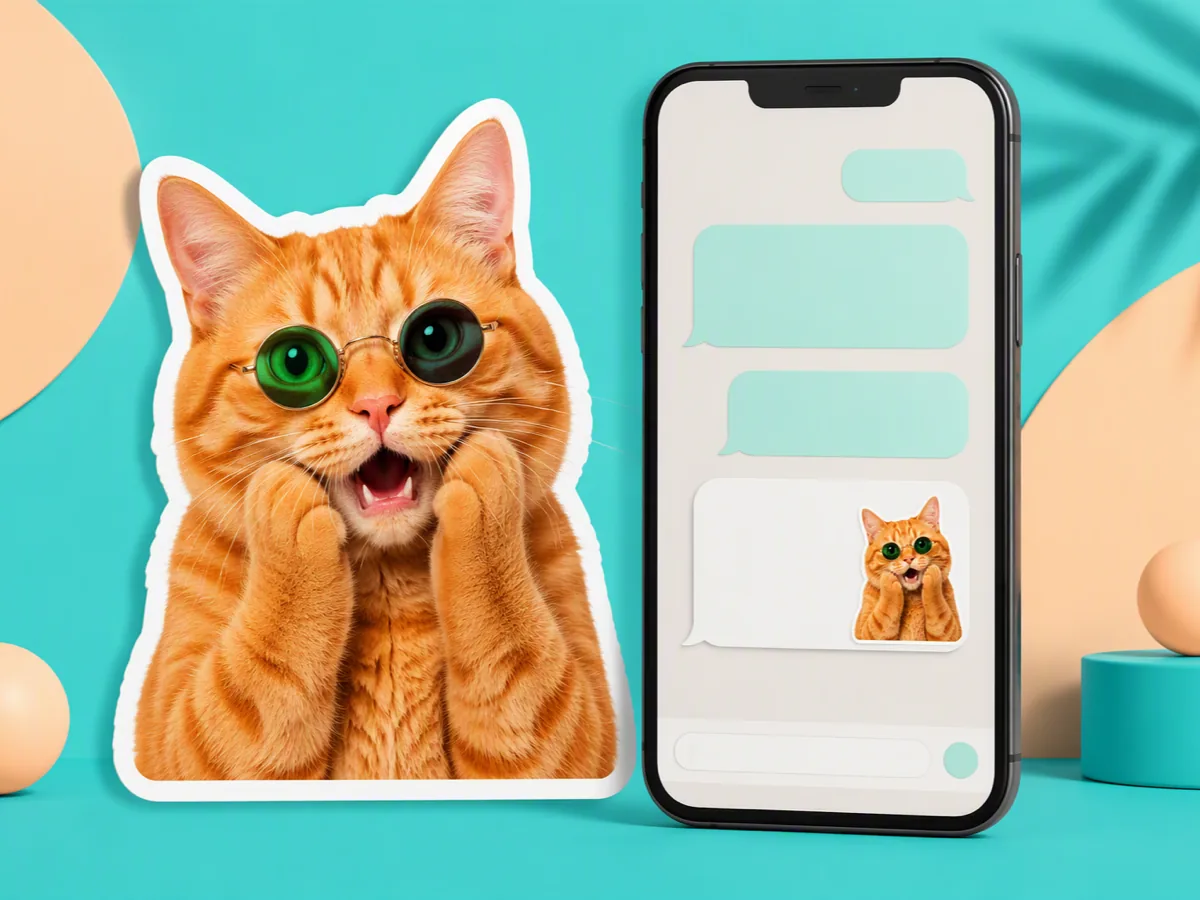
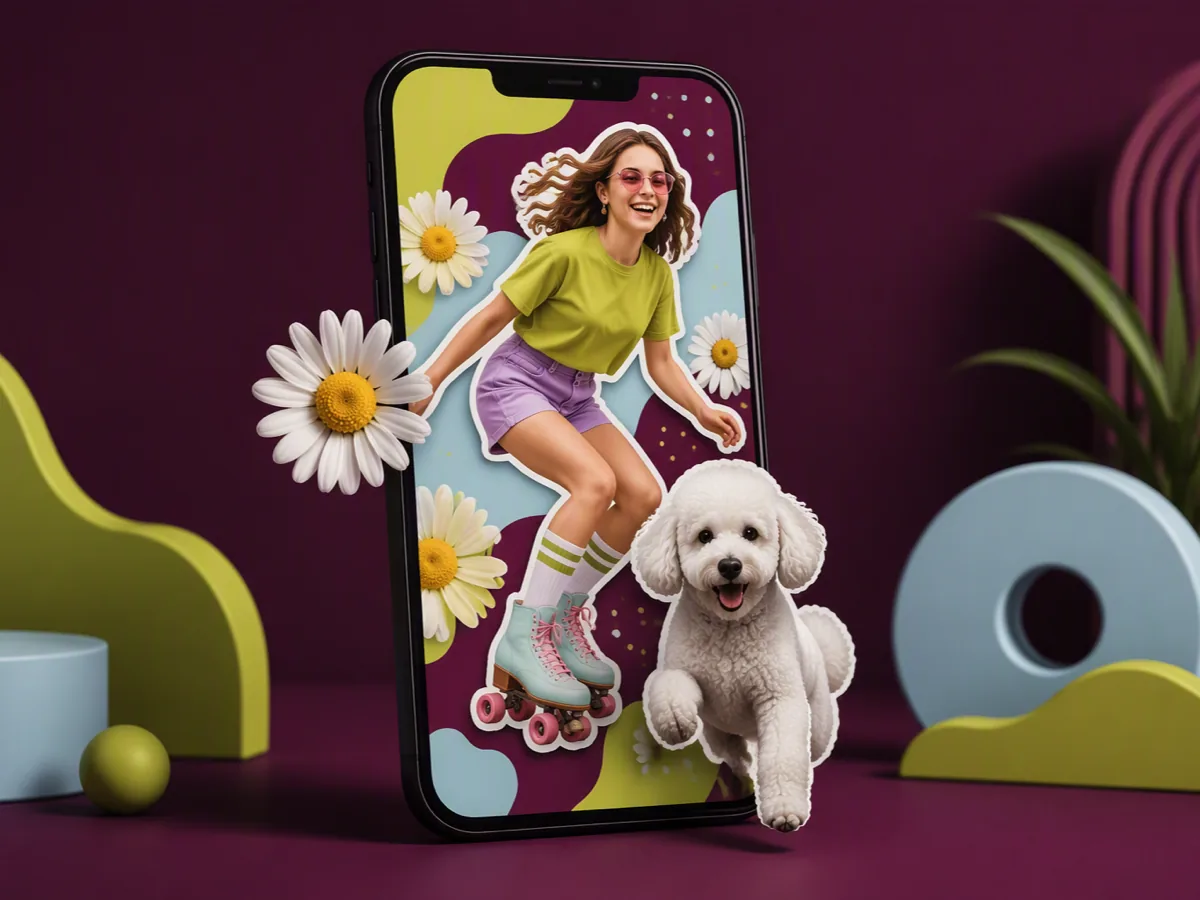
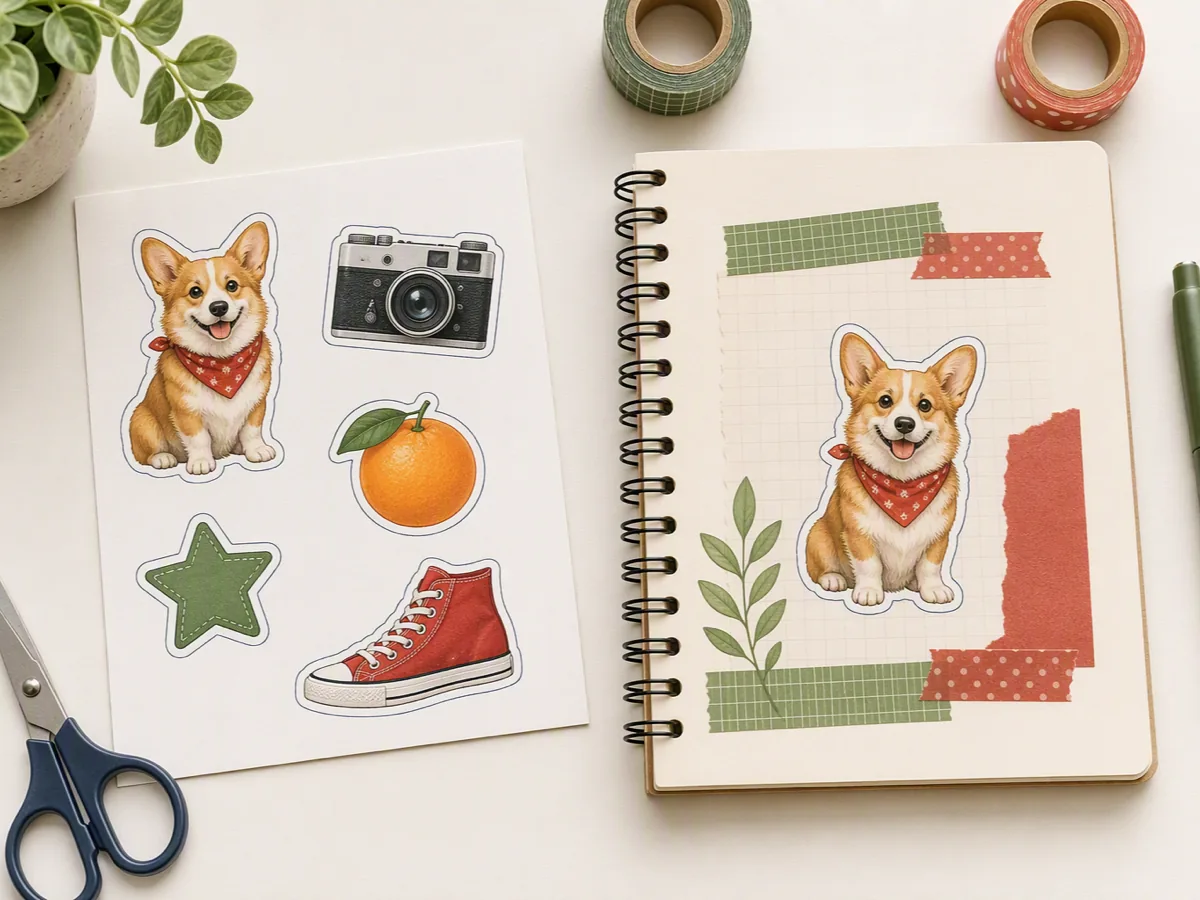
Outline the Subject, Not the Canvas
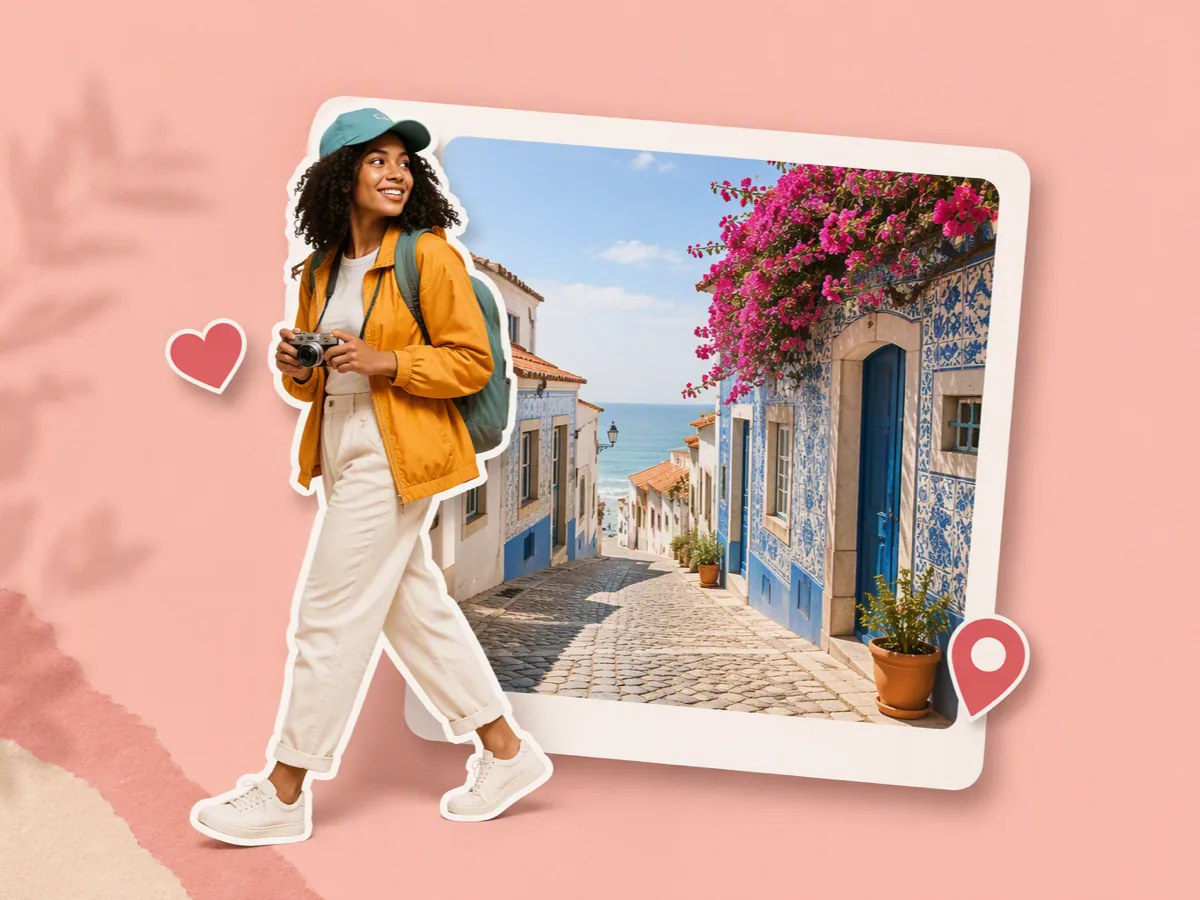
A picture outline maker should separate the person, pet, product, or object you name, rather than place a rectangular border around the whole photo. Describe the exact subject, outline color, thickness, and background in one brief. Ask for clean gaps around hair, fur, straps, handles, and limbs. Then judge the outlined image on light, similar-tone, and dark backgrounds before choosing the final edge treatment.
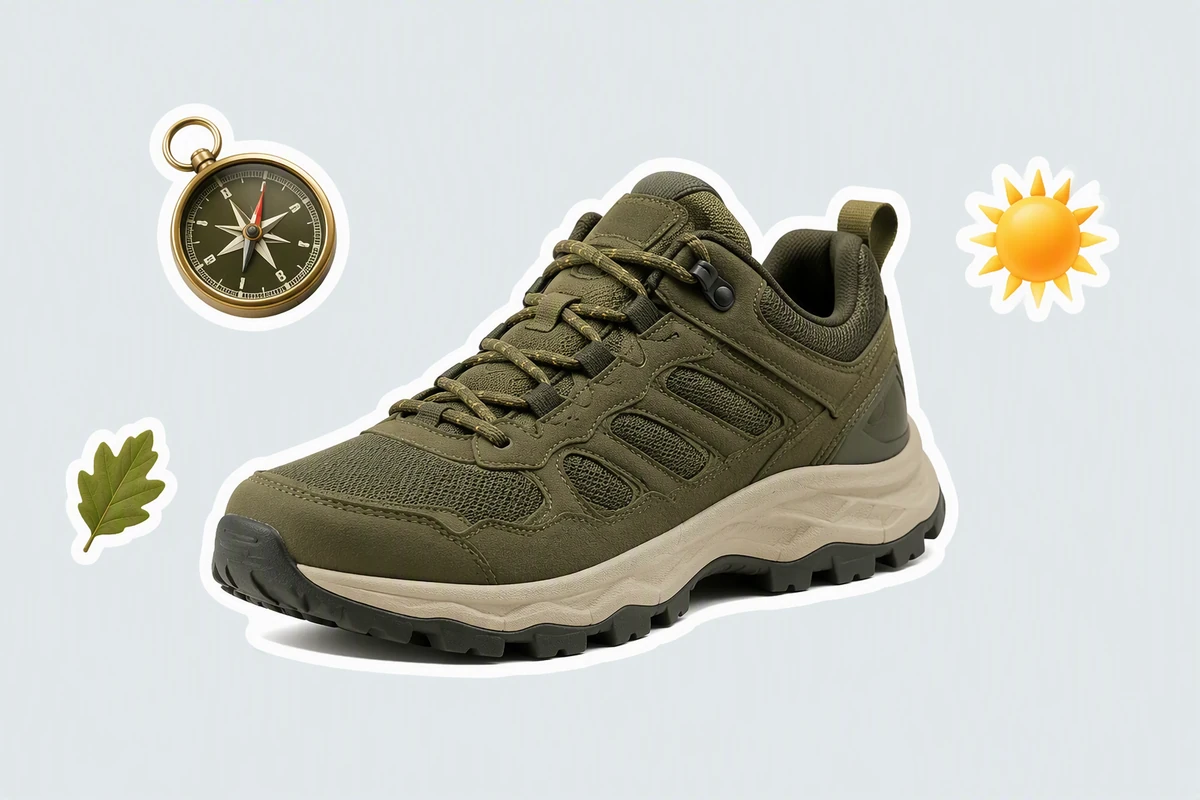
Make Product Edges Read Clearly
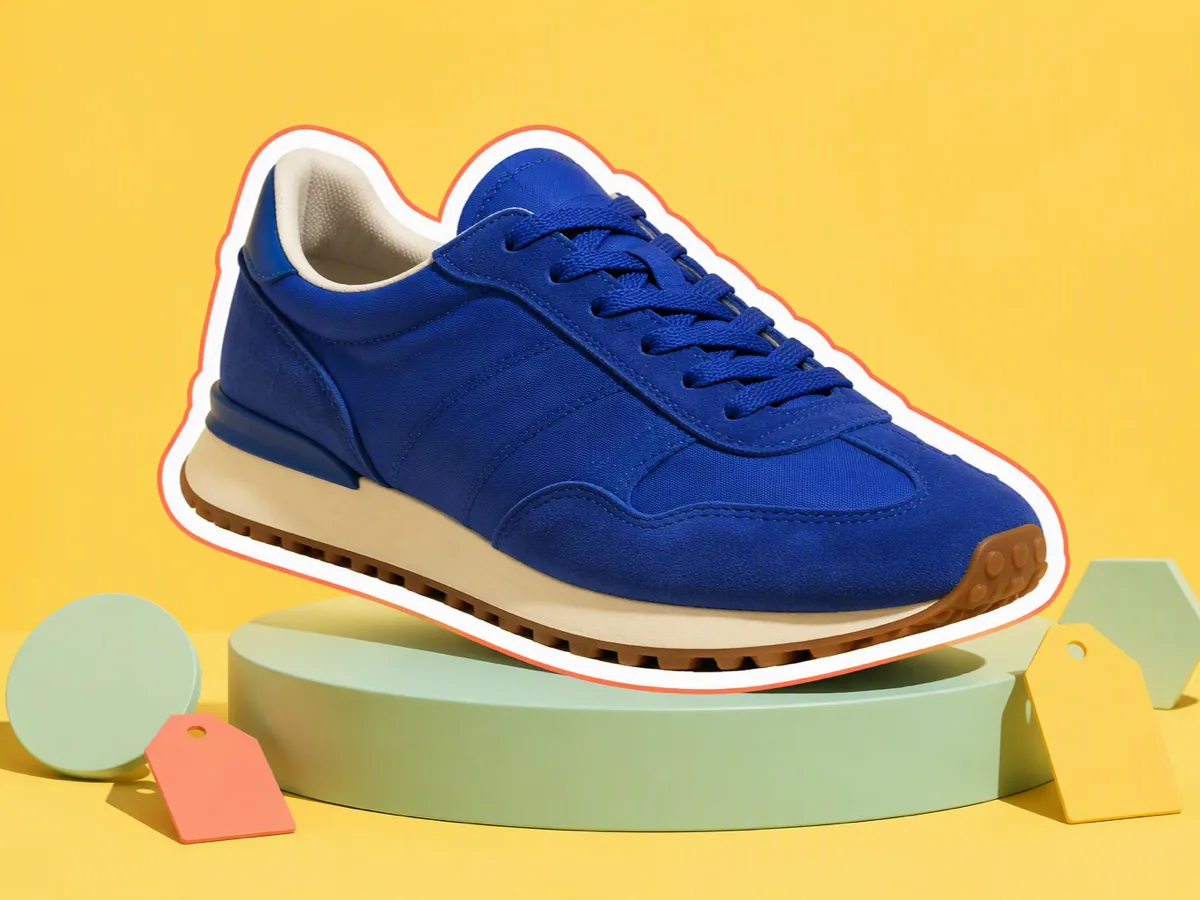
The trail sneaker uses a clean white picture outline to separate its sole, laces, and upper from a pale layout. Test small details at the final display size, then use Image Effects when the product also needs a broader color or texture treatment.
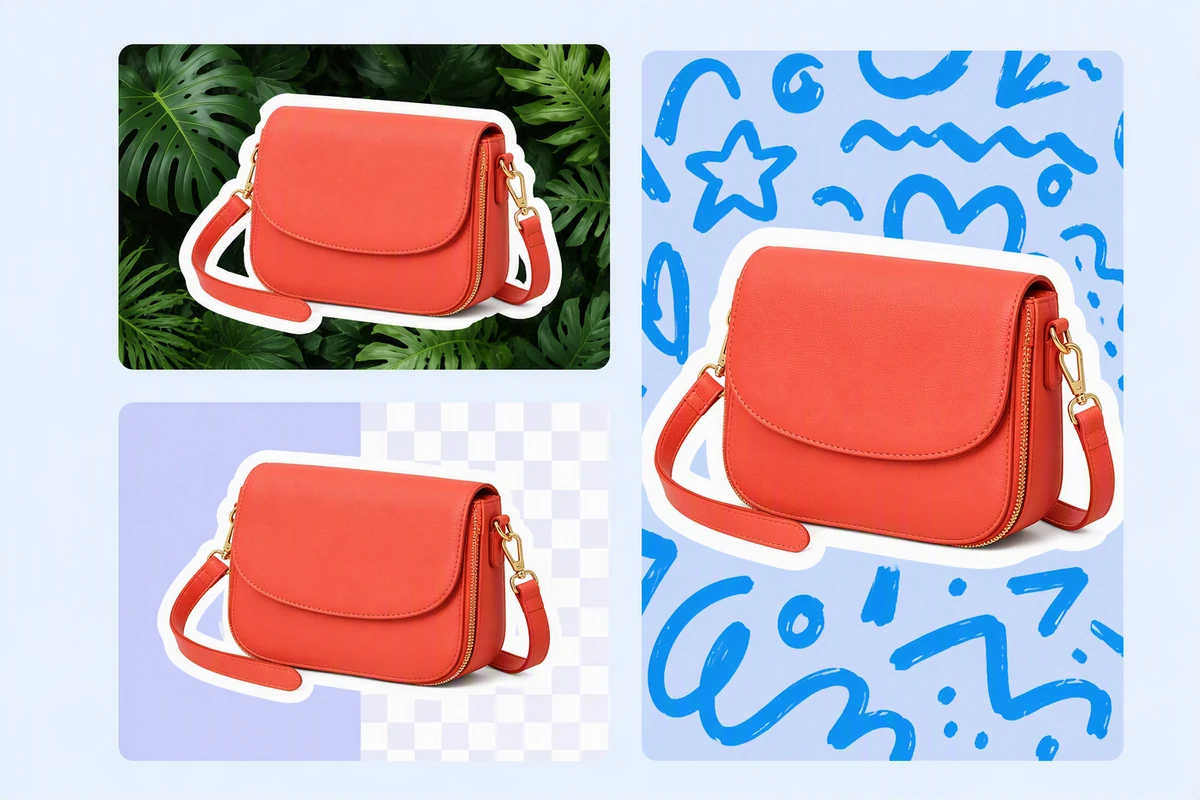
Hold Focus in Busy Layouts
The coral bag stays recognizable across leaves, checks, and doodles because one consistent image outline follows its complete silhouette. Keep handles and interior gaps open instead of filling them accidentally. If the source needs a new setting first, begin with AI image generation.
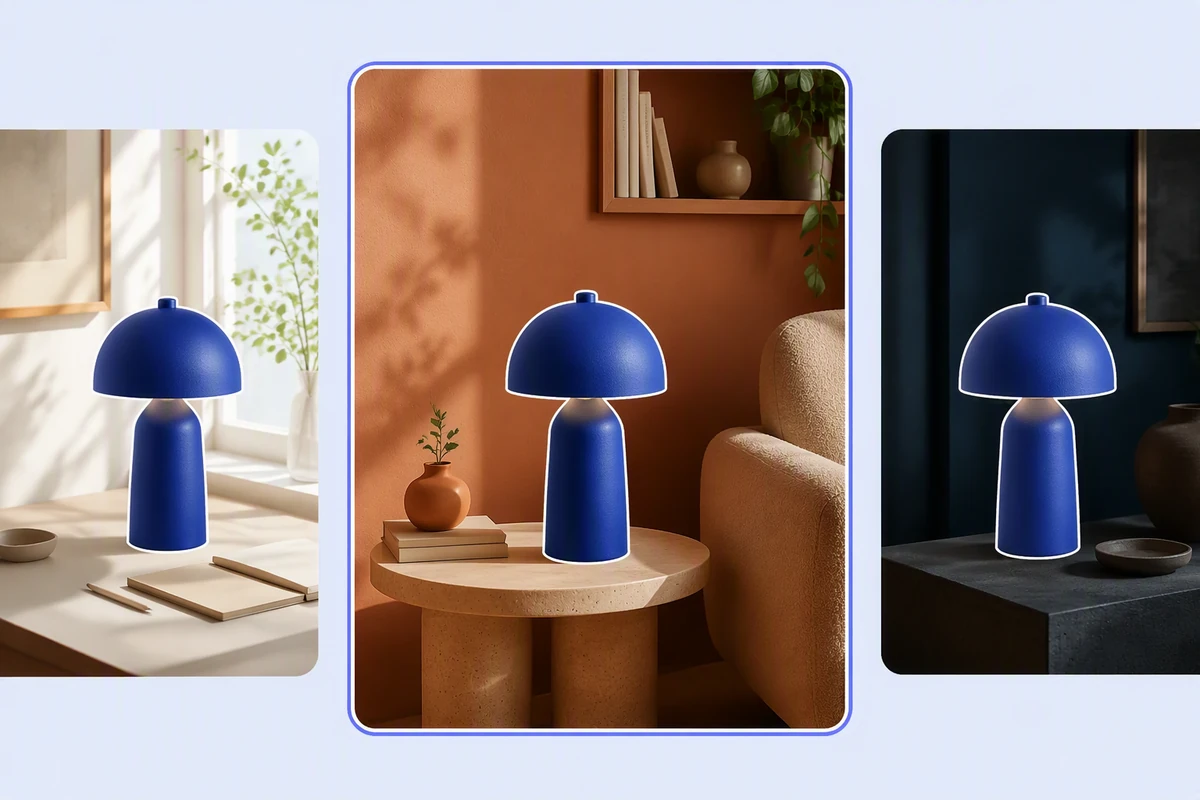
Check Contrast on Every Background
The cobalt lamp shows why an outline picture must be reviewed against light, similar-color, and dark scenes. A border that works on white may disappear elsewhere. Keep the approved result with its context, then use Image to Video for a separate motion treatment.
Make an Outline Picture in 3 Steps
Step 01
Choose the Subject
Upload an image you can use and name the person, pet, product, or object the picture outline should follow, including important gaps and fine edges.
Step 02
Direct the Edge
Describe the outline color, relative thickness, single or layered treatment, background, and intended layout instead of relying on a vague request to make it pop.
Step 03
Inspect and Refine
Compare the outlined image with the source, check hair, fur, handles, and narrow gaps, then review contrast on several backgrounds before approving the result.
Why creators choose Ottermind
Precise Subject Briefs
Name the exact subject and edge details the picture outline must preserve.
Source Beside Result
Compare the original photo and outlined image while judging missing or changed edges.
Focused Edge Revisions
Refine one strap, paw, hair section, or color boundary without restarting the brief.
Useful Outline Directions
Explore single, layered, contrasting, or sticker-like borders for distinct visual jobs.
Connected Campaign Context
Carry the approved image outline into an AI Reel Maker brief.
Visible Agent Work
Inspect each result and approve critical actions before using the outlined picture.
FAQ
What Does a Picture Outline Maker Do?
A picture outline maker isolates a chosen subject and adds a visible edge treatment around its silhouette. It differs from a rectangular photo border and from line-art conversion, which redraws internal details as lines rather than framing the subject.
How Do I Get a Clean Subject Outline?
Start with a clearly visible subject and state exactly what should be selected. Name fine areas such as hair, fur, laces, straps, or handles, then compare the picture outline with the source and request focused corrections where the mask looks rough.
Which Outline Color and Thickness Should I Choose?
Choose for the final background and viewing size. A thicker, high-contrast outline helps a small subject read in a busy layout; a thinner edge can suit a clean composition. Test the same result on light, similar-tone, and dark backgrounds.
Can I Make White or Layered Outlines?
Yes, describe a white, colored, or layered visual direction in the prompt. For a layered look, name the inner and outer colors and their relative widths. Review narrow gaps carefully so separate parts do not merge into one shape.
Can I Animate an Outlined Picture?
Yes, after approving the still image as a separate result. Continue with Photo to Video AI Free, describe the intended motion and framing, and keep the outline colors, subject edges, and source context in the motion brief.
How Can I Use Outline Pictures in a Project?
Use outline pictures you have the rights to in thumbnails, product layouts, stickers, social graphics, presentations, or campaign drafts. For a narrated product walkthrough, continue with AI Video Demo after approving the still image and checking its edge contrast.
Discover more
AI Resume BuilderAI Receipt TrackerPC Builder AIAI Logo GeneratorAI Brochure MakerAI Menu GeneratorAI Quote GeneratorAI Story GeneratorAI Art Generator from ImageAI Comic Generator from PhotoAI Lip Sync ToolAI Music Video GeneratorAi pet portrait generatorAI Reel MakerAI Social Media Post GeneratorAI Video DemoFix Blurry PicturesGhibli AI GeneratorGhibli Art Video GeneratorGIF Background RemoverHashtag GeneratorImage EffectsImage saturationImage to VideoInstagram Name GeneratorFree Online Photo Collage MakerMugshot MakerPicture Outline MakerPhoto RetouchingPhoto to Anime ConverterPhoto to Anime Video AI FreeConvert Photo to Oil PaintingPhoto to SketchPhoto to Video AI FreeReplace Color in ImageResume Photo EditorSlogan GeneratorUsername GeneratorYouTube Name Generator
How people use Ottermind for images
I had a batch of mug photos shot on my kitchen table. I cleared the clutter, tried two cleaner backgrounds, and kept the one that still looked like my real product. It felt more like tidying up a shoot than starting over.
Lena Ortiz - Online Shop Owner
More from the blog

















Create an Outline That Holds Up
Upload your photo, identify the subject, describe the edge treatment, and let Ottermind create an outlined image you can compare across backgrounds and refine with context intact.
Outline My Picture