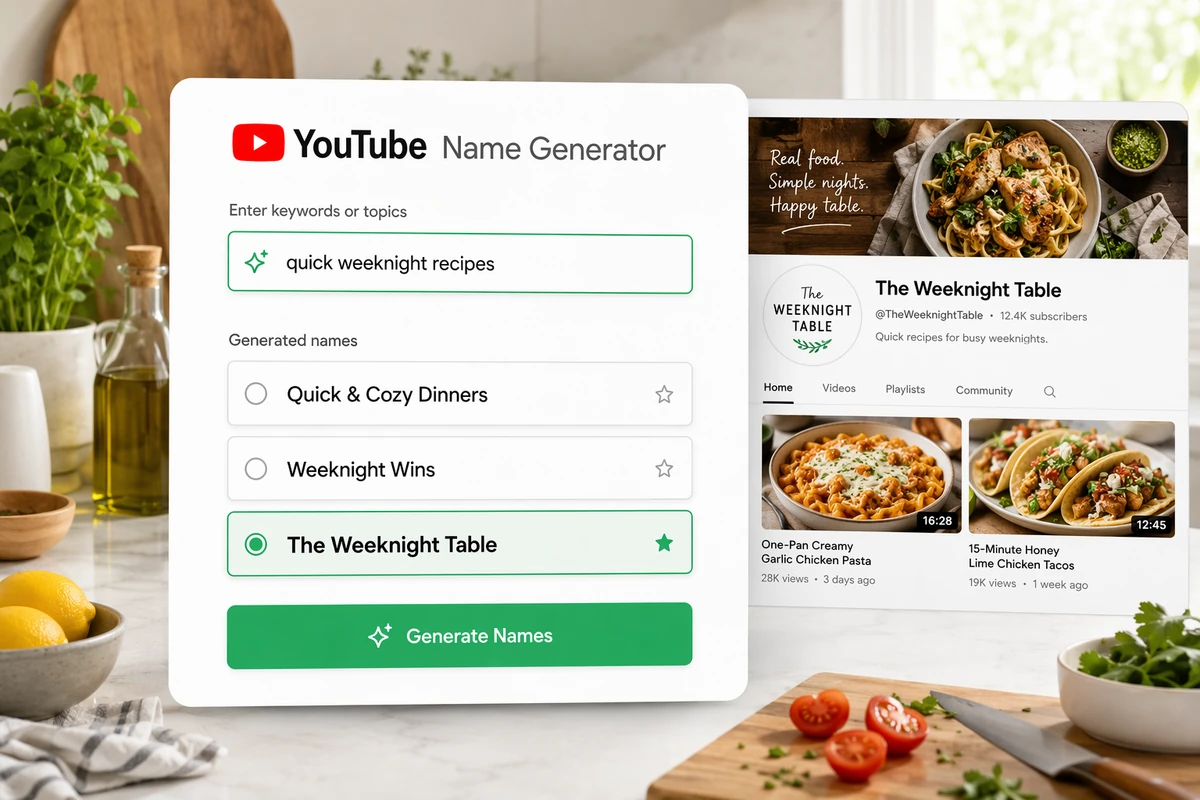







YouTube Name Generator

Turn your channel topic, audience, and personality into name ideas, compare the strongest candidates, then independently verify your preferred name before adoption.

YouTube channel name ideas organized for comparison
Claude
GitHub
Google
Linear
Microsoft
Monday
Netlify
Notion
OpenAI
Sentry
Slack
Stripe
Supabase
Claude
GitHub
Google
Linear
Microsoft
Monday
Netlify
Notion
OpenAI
Sentry
Slack
Stripe
Supabase

Develop YouTube Names From Meaningful Channel Context

Bring Ottermind collaborating agents your channel topic, intended audience, personality, themes, and descriptive terms. They can help brainstorm and refine a relevant shortlist through an agent-assisted content workflow. Compare every candidate for clarity, memorability, niche fit, and durability, then verify availability and possible legal conflicts independently.

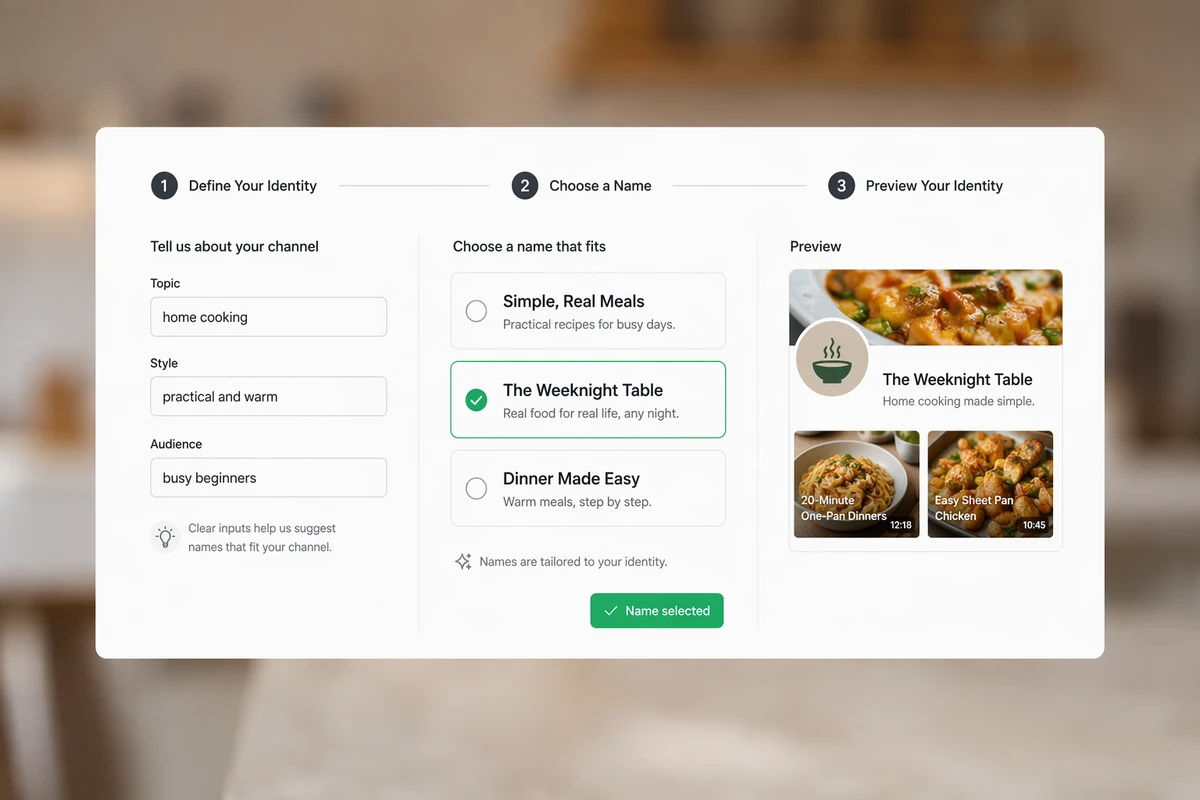
Channel identity details, name options, and a selected cooking channel preview

Start With a Complete Channel Brief

Write down the channel topic, audience, personality, and visual direction before asking agents for names. Then place candidates beside banner and thumbnail concepts from the AI image generator. This mockup helps reveal which name supports a recognizable identity without implying availability.
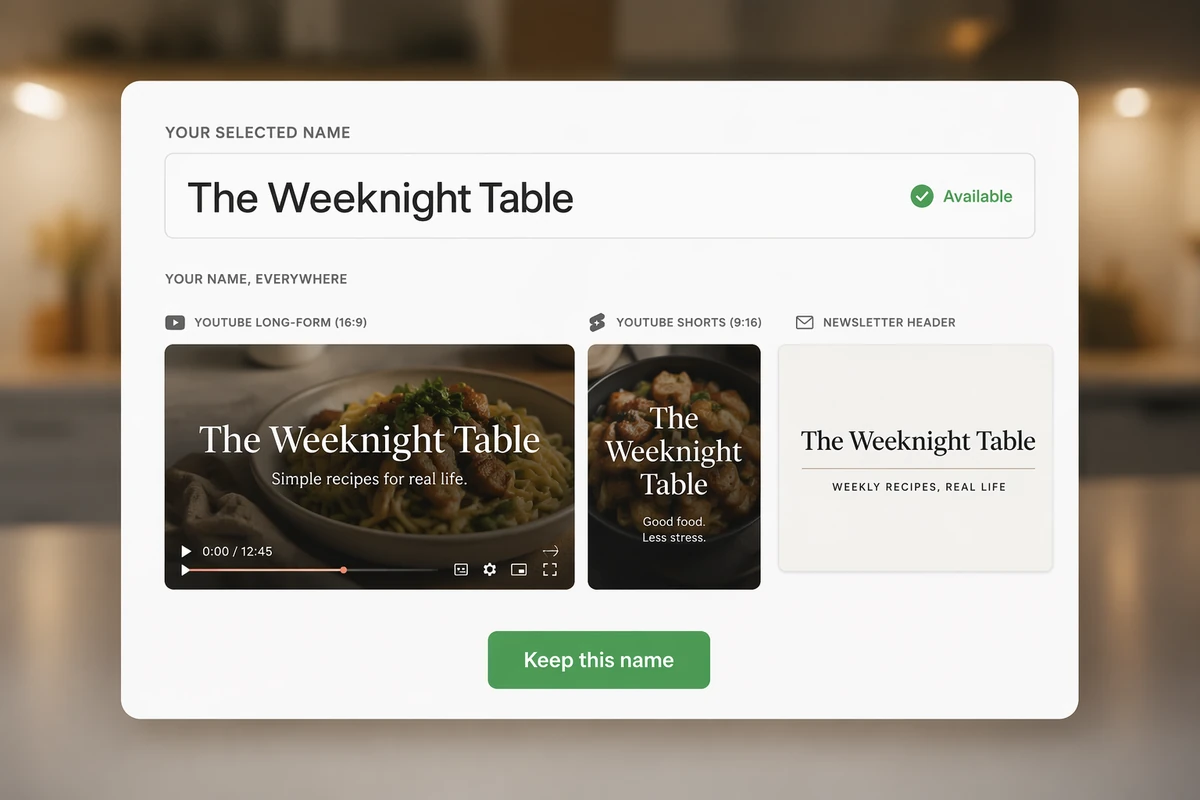
The Weeknight Table name previewed on a video cover, channel banner, and newsletter header

Test the Name Across Formats

Take one finalist and mock it up on a channel banner and newsletter header. Reviewing the same name across creator formats can expose awkward wording or weak visual fit. Once chosen, use it to brief a prompt-generated channel video, and independently check the corresponding handle.

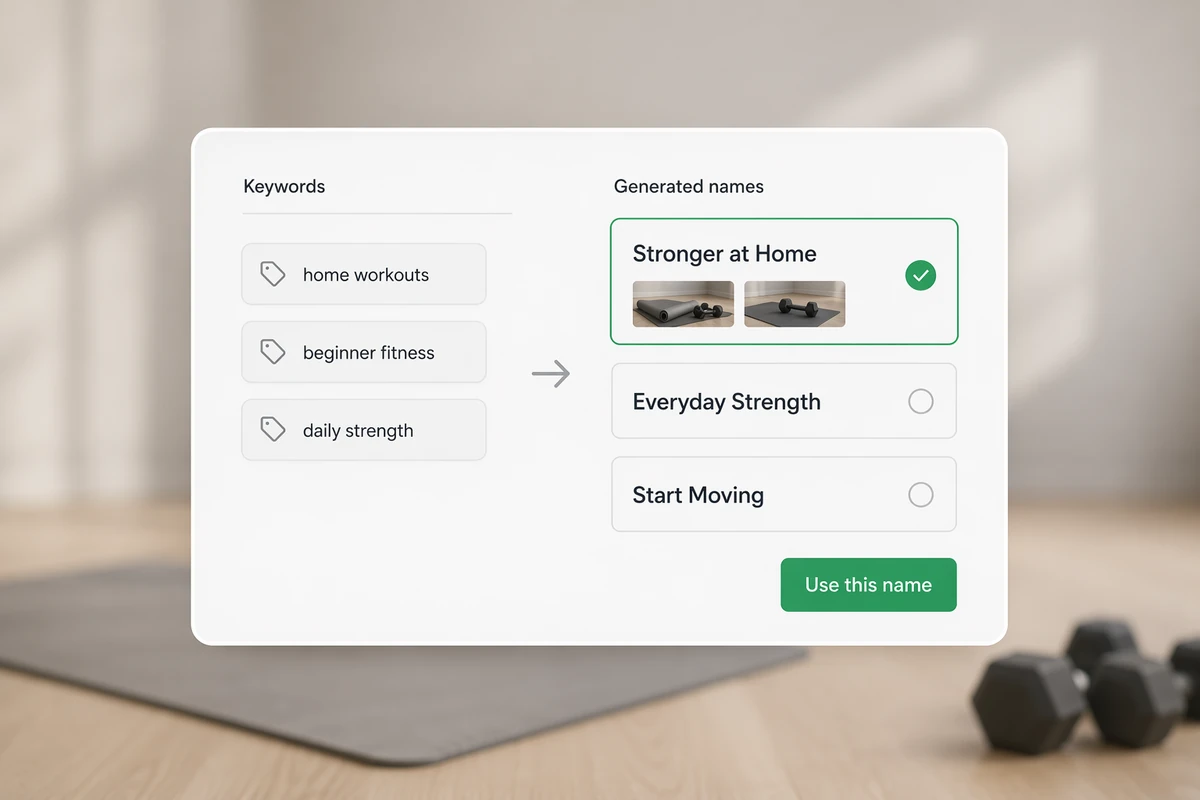
Home fitness keywords transformed into three relevant channel name options

Build Names From Niche Keywords

Use focused terms such as home workouts, beginner fitness, and daily strength to guide the naming request. Compare the resulting ideas against those inputs, keeping candidates that communicate the topic clearly and rejecting any name whose relevance depends on extra explanation.

Create a YouTube Name in Three Steps

Step 01

Define Your Channel

Write down your topic, audience, content format, personality, and long-term direction. Add several descriptive terms, plus words or styles you want the ideas to avoid.

Step 02

Develop Your Shortlist

Ask collaborating agents for distinct naming directions and candidate names based on your context. Request clearer or more durable alternatives when an idea feels vague, complicated, or overly trendy.

Step 03

Review and Verify

Independently investigate each preferred name on YouTube, across the web, and for possible legal conflicts. Check its unique @handle separately: it begins with @ and is distinct from the channel name.

Why creators choose Ottermind

Stronger Topic Fit

Channel context guides ideas toward the subject viewers should expect rather than unrelated word combinations.

Clearer Audience Signal

Defining your intended viewers can shape whether candidates feel playful, authoritative, personal, or professional.

Consistent Personality

Descriptive terms align each naming direction with the voice you can later carry into AI video creation.

Easier Recall

A structured review highlights names that are concise, understandable, pronounceable, and easier to remember.

Longer-Term Relevance

Testing durability helps you avoid wording tied too narrowly to passing trends or temporary formats.

Deliberate Verification

A separate checkpoint prevents generated suggestions from being mistaken for available or legally cleared names.

FAQ

How do I pick my YouTube name?

Use a clear prompt structure to define the channel topic, audience, personality, and long-term direction. Create a shortlist, compare clarity, memorability, niche fit, and durability, then investigate availability before deciding.

What makes a cool YouTube name?

A strong name should suit the channel and make sense to its intended viewers. Favor concise, memorable, relevant wording that is easy to say and spell. Distinctiveness helps, but novelty should not make the choice confusing or quickly dated.

What does a YouTube name generator do?

A YouTube name generator turns channel context, such as topic, audience, personality, themes, or descriptive terms, into candidates for review. Ottermind supports agent-assisted brainstorming and refinement, but its suggestions still require human judgment and independent verification.

Is a YouTube channel name the same as an @handle?

No. A channel name is the display name viewers see, while a YouTube handle is a unique channel identifier that begins with @. Review them separately: choose a clear display name, then investigate whether a suitable handle is currently available.

How can I check whether a YouTube name is used?

Search for the exact candidate on YouTube, then review similar channel names and test the proposed @handle separately. Independently verify social usernames, domains, business registries, and possible trademark conflicts using current sources. If you later need a branded site, use the AI website builder.

What should I avoid in a YouTube channel name?

Avoid names that are unnecessarily long, hard to spell, unclear about the channel, or dependent on a passing trend. Also consider whether the wording can accommodate future content. Never assume an unusual or generated name is available without checking.

Discover more

What they say about Ottermind

Ottermind helped us turn a rough campaign brief into several strong visual directions without losing the original intent. We could compare different compositions, keep the references beside the work, and refine the strongest concept in one place. That made the entire review process feel faster and much more focused.

Maya Chen - Product Marketing Lead

More from the blog

Build Your YouTube Name Shortlist

Bring your channel topic, audience, personality, and descriptive terms to Ottermind. Ask collaborating agents for naming directions, compare the candidates carefully, and independently verify your favorite.

Brainstorm Channel Names